Key takeaways
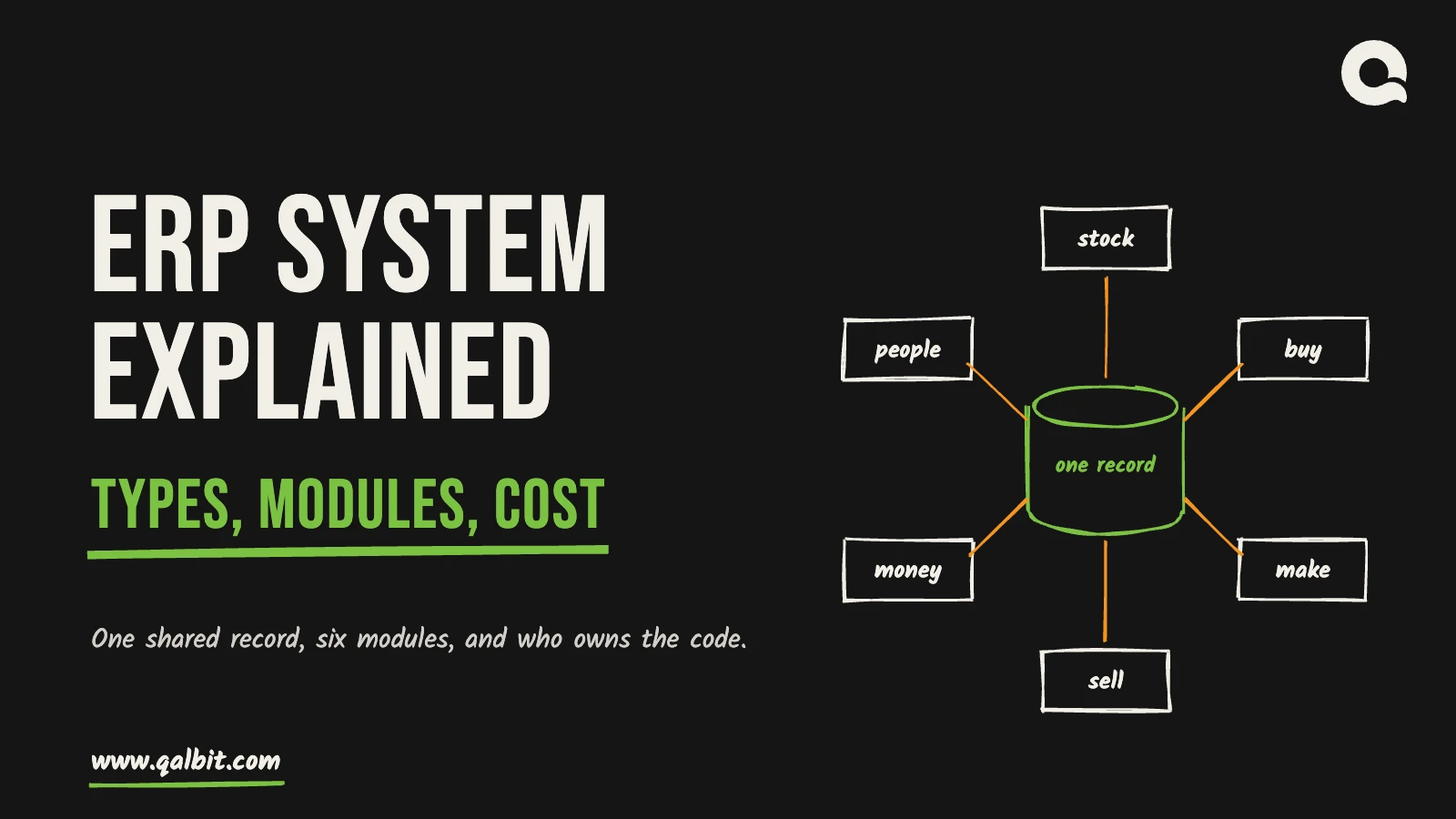
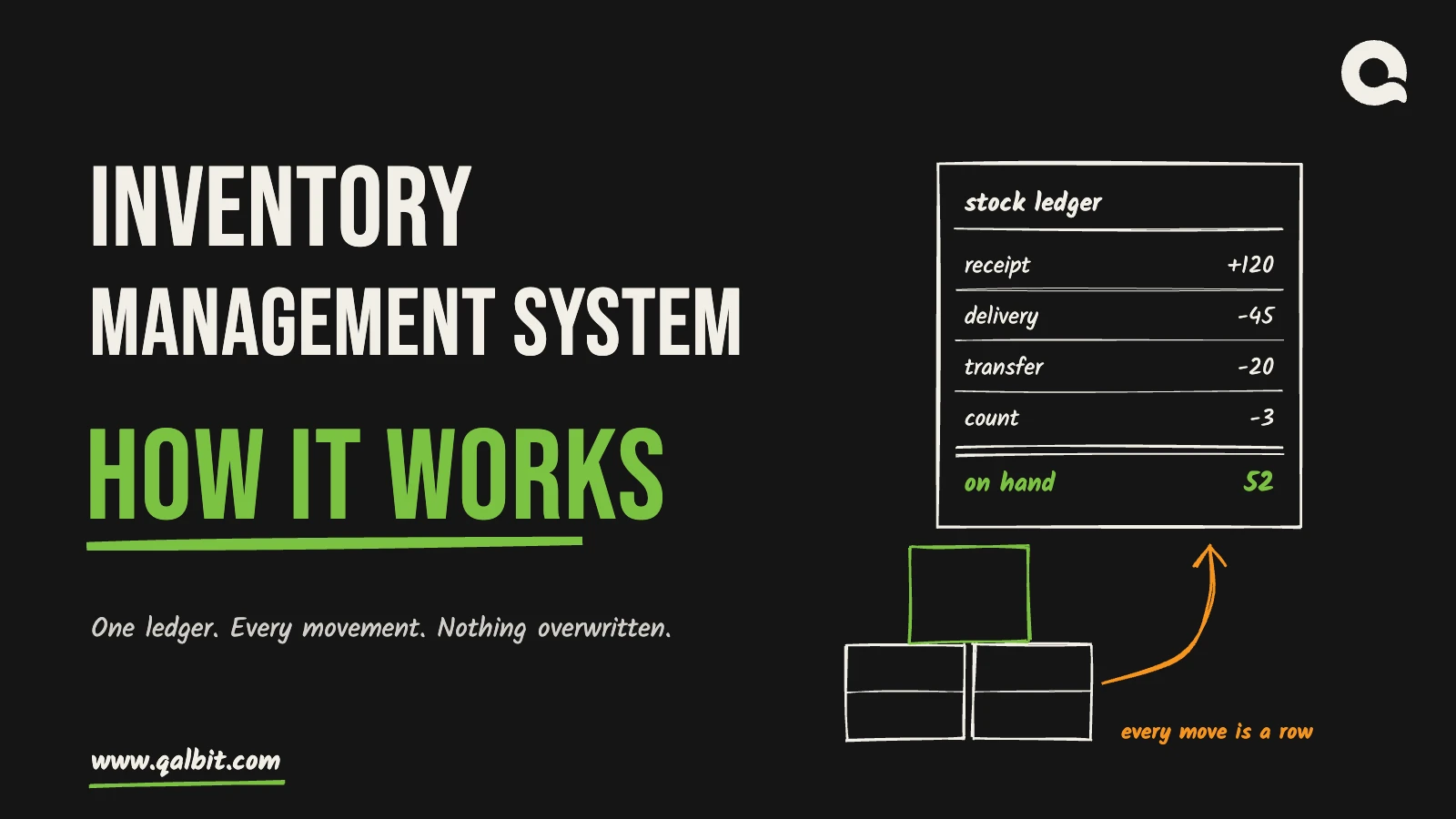
- An ERP system keeps one record of items, customers, suppliers, stock, money and staff, and every module reads and writes it.
- Its type is two separate choices: where it runs (cloud or on-premise) and how you get it (packaged, open source or custom).
- The six core modules are inventory, purchase, sales, production, finance and HR; most first phases start with two or three.
- Module count, integrations, data migration, process complexity, approvals and compliance set the size of the job, not company size.
- Build custom when your edge is a process packages handle badly or seat fees stop scaling; otherwise buy a package.
We design and build these systems to order, as a custom ERP development team, so this guide is written from the builder’s side. It also says plainly when buying a package makes more sense, and when a business does not need an ERP at all, because that is the part vendor guides tend to leave out.
What is an ERP system?
The letters stand for enterprise resource planning, a name that says very little about what the software does. Here is a version you can repeat in a meeting:
An ERP keeps one record of the company’s items, customers, suppliers, stock, orders, money and staff. Each department works in its own module, and every module reads and writes that same record. So a sale, a purchase or a production run is entered once, and stock, accounts and reports all change with it.
That single record is what separates an ERP from a bundle of apps. If your sales tool, your stock sheet and your accounts each keep their own product list, you have three systems and a reconciliation job every month. An ERP, by contrast, has one item list, one supplier list and one customer list, and every module uses them. As a result, the question “how much do we hold, and what is it worth?” has one answer instead of three.
What an ERP system is not
It is not accounting software with extra screens. In fact, the custom systems we build usually keep the accounting package that the finance team and the auditors already trust, and sync to it rather than replace it. Equally, it is not a CRM. A CRM follows leads, deals and conversations before a customer buys, while an ERP takes over once there is an order to fulfil. Plenty of companies run both and connect them.
How data moves through an ERP system
The clearest way to understand an ERP is to follow one customer order from quote to cash. Each step happens in a different module, yet nobody types the same figures twice.
- Sales. A quotation becomes a sales order, and the order reserves the stock it needs.
- Inventory. If the stock is not there, the shortfall becomes a request to buy or to make.
- Purchase. Buying turns that request into a purchase order. When the goods arrive, a goods receipt adds them to stock.
- Production. For a manufacturer, the request may become a work order instead. It draws raw materials against a bill of materials and adds finished goods to stock.
- Dispatch. Stock leaves the warehouse against the order, and the reservation clears.
- Finance. The sales invoice posts to receivables and the supplier bill to payables. Payments then close both.
Drawn as a diagram, each arrow is a document handing work to the next module, while every module writes to the shared record underneath.
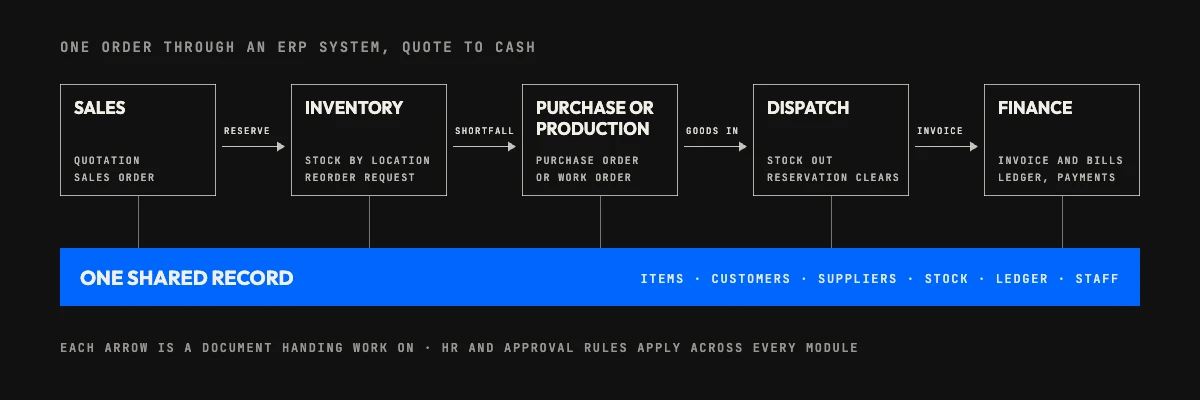
HR sits slightly outside that chain. Timesheets, leave, expenses and payroll data feed staff costs into finance. Approval rules also run across all of it: who may raise a purchase order, who may release a dispatch, who may approve a discount.
Every serious ERP follows roughly this chain, whether packaged or custom. However, the differences lie in the detail of each step. For example, how does a reservation work across several warehouses? Can a work order go out to a job-work subcontractor? Which purchase orders need two approvals? Those details decide whether a product fits you.
The core ERP modules and what each one owns
A module is the part of the system one team works in. The feature list matters less than which records each module owns, because ownership decides who may change what, and where a mistake can start. These are the six modules we build, with what each one owns and what it hands on.
| Module | What it owns | What it hands on |
|---|---|---|
| Inventory and warehouse | Stock by location, batch and serial number; transfers; counts; reorder levels | Shortfalls to purchase and production; stock values to finance |
| Purchase and suppliers | Purchase requests, supplier quotes, purchase orders, goods receipts, the supplier list | Goods received into inventory; supplier bills for finance to pay |
| Sales and dispatch | Quotations, sales orders, dispatch plans, delivery tracking | Stock reservations to inventory; customer invoices to finance |
| Production | Recipes and bills of materials, work orders, subcontracted job work, scrap, batch costs | Materials used and finished goods to inventory; production cost to finance |
| Finance | Receivables, payables, tax and e-invoicing output, the link to your accounting package | Figures for reports, month-end close and the auditors |
| HR and approvals | Timesheets and leave, expenses, payroll data, approval chains | Staff costs to finance; sign-offs to every other module |
Which modules to build first
Few businesses need all six on day one. A typical first phase takes two or three modules that depend on each other, often inventory, purchase and sales, and the others follow once those are trusted. So start with the process that costs you most today. For one business that is stock nobody can find; for another it is a month-end close that never quite ties.
Each extra module in the first phase adds build time, training and risk. One module that works beats four that half work, so we keep the first phase small.
Types of ERP system: where it runs and who owns it
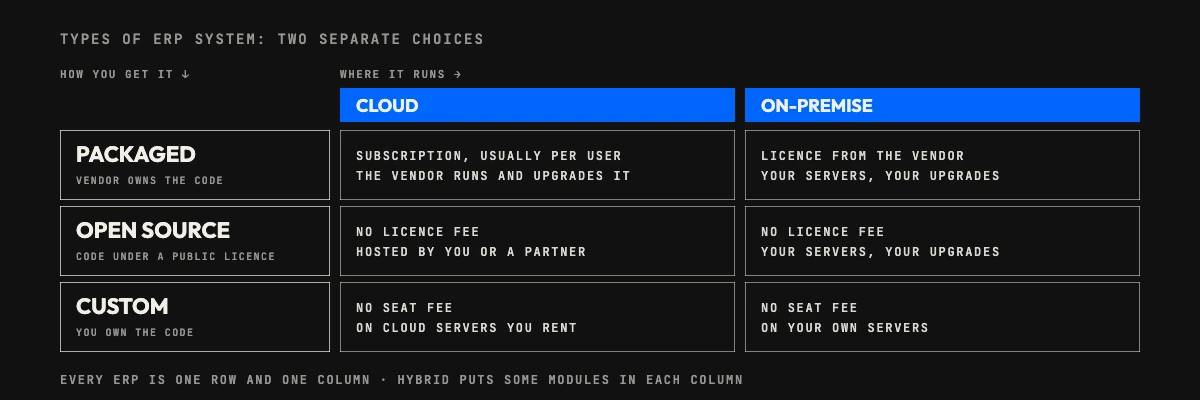
Most guides list the types of ERP system as cloud, on-premise and hybrid. That answers one question only, which is where the software runs. A second question matters just as much: how you get the software, and who owns the code. Packaged, open source and custom are the answers to that one. Every ERP you are offered is one choice from each list.
| Type | What it means | Suits | Watch for |
|---|---|---|---|
| Cloud (SaaS) | The vendor hosts and updates it; you pay a subscription | Teams with no IT staff of their own and standard processes | Fees per user for as long as you use it; upgrades on the vendor’s timetable |
| On-premise | It runs on servers you control | Businesses that must keep data on their own machines | You carry hosting, backups, security and upgrades |
| Packaged | A vendor’s product, licensed and configured for you | Standard processes and a short timeline | You adapt to its process; your customisations must survive each upgrade |
| Open source | Code published under a public licence that anyone may use and change | Firms with developers in-house or a partner they trust | The licence is free; implementation, hosting and upgrades are not |
| Custom | Built around your process; you own the source code | Processes that set you apart, or a large user count | Higher cost upfront; someone has to own the system after launch |
Set the two lists against each other and each ERP lands in one cell of a grid. A custom system can run in the cloud, and an open-source one can sit on your own server.
Cloud or on-premise
This choice is mostly about who does the operations work. With a cloud subscription the vendor patches, backs up and upgrades the system, and you accept its timetable. On-premise puts all of that on you, in return for full control over where the data sits. Hybrid simply mixes the two, for instance a cloud finance module beside production software that stays in the plant.
Cloud does not have to mean a subscription, either. A custom or open-source ERP can run on cloud servers you rent. You then pay no fee per seat, although your own team or a partner still does the operations work.
Packaged, open source or custom
Packaged suites such as SAP Business One, Oracle NetSuite, Dynamics 365 Business Central and Odoo Enterprise are products you license and configure. Setting one up is called implementation. Extending it with your own modules, fields and reports is customisation, and that custom code then has to survive every upgrade the vendor ships.
Open-source ERP publishes its code under a public licence. Odoo’s licence page says its Community Edition is licensed under LGPL version 3, while the Enterprise Edition carries Odoo’s own licence. ERPNext’s code repository is published under GPL version 3. We checked both pages on 25 November 2026. For the open-source code the licence line costs nothing, but installing, configuring, hosting, customising and upgrading the software still do.
A custom ERP is built around one company’s process, and that company owns the code. As a result, there is no licence and no seat fee. Instead, the cost sits in the build and then in support. Somebody, in-house or a partner, also has to look after it after go-live.
What drives the cost of an ERP system
We do not quote prices in this guide, because our ERP development cost guide does that module by module. What matters first is the shape of the bill, since the three routes charge in different ways:
- Packaged: a licence, usually per user and every year, plus implementation fees that partners charge and few vendors publish.
- Open source: no fee for the community code, but you pay for implementation, hosting, customisation and moving your changes to each new version.
- Custom: a one-time build, weighted to the start, then an optional support retainer. Your fortieth user adds nothing to a licence bill, because there is none.
The six things that move an ERP quote
Whichever route you take, the same six factors decide how big the job is. Notably, company size is not one of them.
- Modules in the first phase. This is the largest single driver.
- Integrations. Connecting to a product with a modern REST API and webhooks is straightforward. Tally, which offers an XML layer instead, needs middleware plus a regular reconciliation between the two.
- Data migration. Loading today’s masters and opening balances is the easy part. Years of transaction history, checked figure by figure with the old records, is a separate job with its own estimate.
- Process complexity. A manufacturer of 20 people that runs job work and batch costing needs a bigger build than a distributor of 200 that simply buys and sells.
- Roles and approvals. Permissions limited by location, and approval chains with several steps, take real engineering.
- Compliance output. E-invoicing, VAT returns, statutory formats and audit trails all add scope. In the Gulf, a mandate is often the reason the project exists.
To compare a package with a custom build over five years at your own headcount, run your numbers through our build vs buy calculator.
When a custom ERP system beats a package
A custom build is the right answer in fewer cases than most developers admit. We see five:
- Your edge lives in a process that packages handle badly, such as job work, batch genealogy, stock allocated across locations, project billing or consignment.
- Per-seat licences have stopped scaling. Over five years the break-even with a package usually falls somewhere from 30 to 50 users, and where exactly depends on the plan you would otherwise buy.
- Your current package carries so much custom code that each new version now means a full round of retesting.
- You must own the system outright: a buyer or an auditor expects it, or the software is itself what you sell.
- Operations have outgrown spreadsheets, and each suite you have tried would make you change how you work.
When a package is the better buy
- Your workflows are ordinary for your industry, and the go-live date is about eight weeks away.
- Fewer than fifteen people will use it, and nothing about how they work is unusual.
- No one on your side has the time or the wish to run the system after launch.
When a project lands on this list, we decline to build it, because a package gets you to the same place for less. If you are weighing named products, see custom ERP, Odoo and SAP compared, with five-year figures for each.
Who should not buy an ERP system yet
Some businesses need neither. A company that needs its books kept and a rough count of stock is shopping for accounting software, and should buy that. Likewise, if your stock, orders and accounts already agree at month end, and nobody re-keys data between tools, an ERP would solve a problem you do not have. Wait until the re-keying and the month-end arguments cost more than the change would.
Where to start
Start from the process, not the product. First, write down how one order moves through the business today, from quote to cash, and mark each point where someone re-types data or checks one list against another. The module with the most marks then belongs in your first phase.
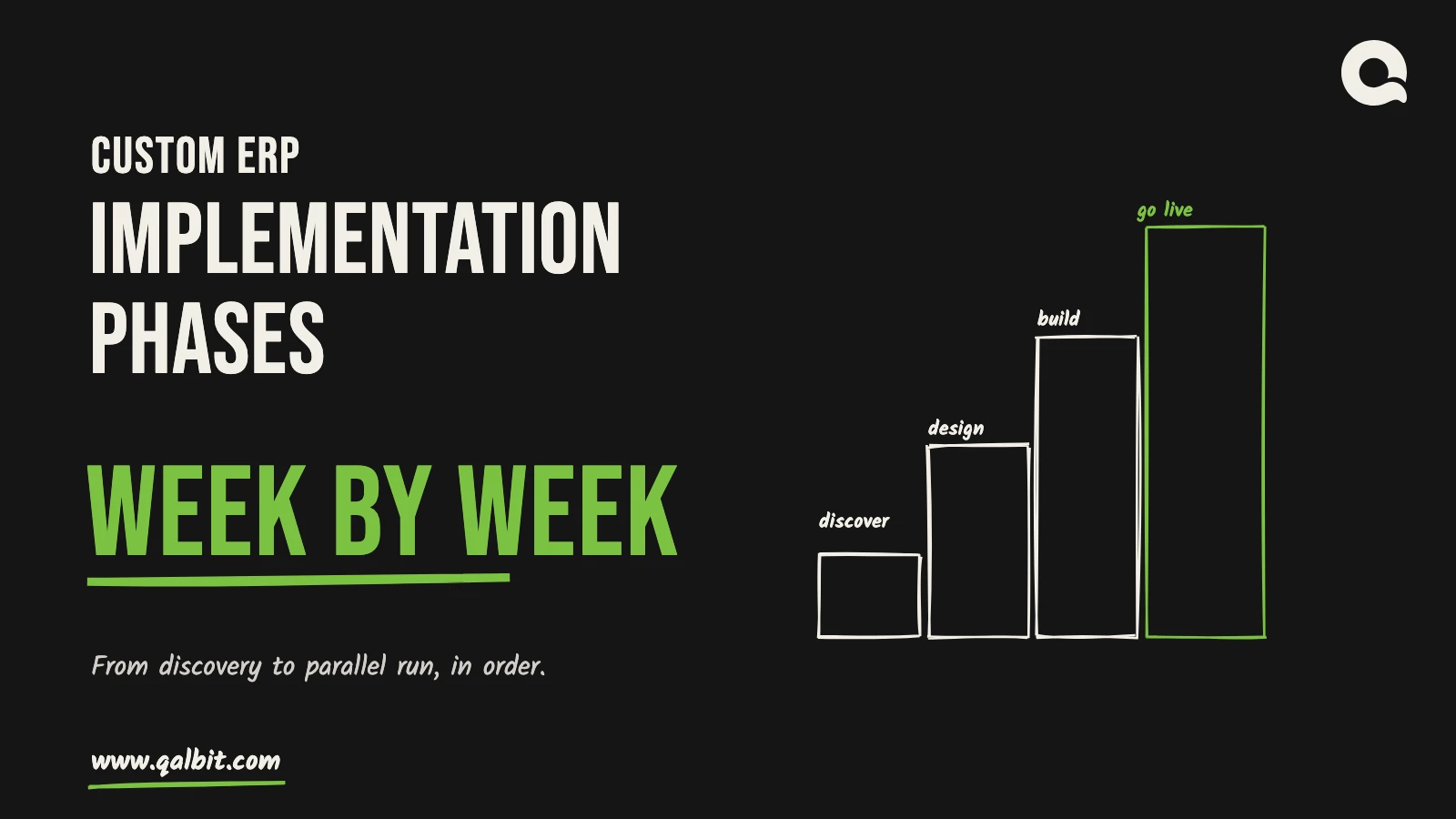
Next, put the same three questions to every vendor or developer you speak to. Which modules come first? Which systems must the ERP connect to? How many years of records must come across? The answers shape both the cost and the timeline, and our guide to ERP implementation phases shows how a first phase runs week by week.
If the honest answer is a package, take it. If your advantage lives in a process the packages flatten, that is the case for a custom ERP system, built one module at a time and run beside your old tools until the numbers match.
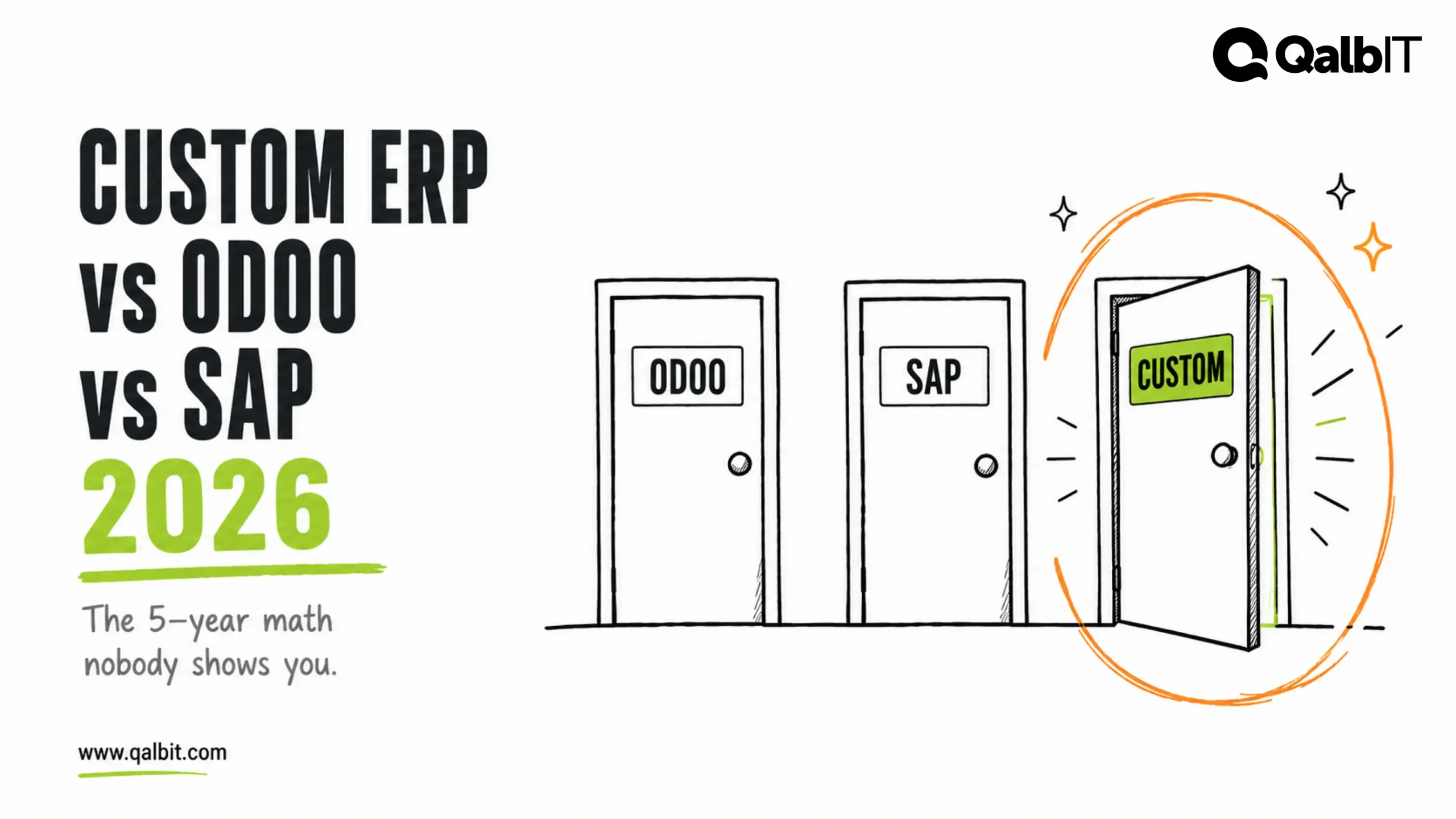
An ERP system is one piece of software that runs six parts of a business on one shared database: stock, buying, sales, production, accounts and people. Those modules hand work along: a sales order reserves stock, a shortfall raises a purchase or a work order, and the invoice reaches the ledger without anyone typing it again. Below we cover the main types, what each module owns, what drives the cost, and when a custom build beats a package.