What we need from you in these weeks is access. That means a couple of sessions each with the warehouse supervisor, the person who raises purchase orders and whoever closes the month. It also means the real spreadsheets, not a tidied export. The awkward exceptions hide in the messy version, and catching one in week two costs far less than catching it in week twelve.
Discovery ends with process maps, a roadmap that puts the modules in build order, and a realistic estimate for phase one. Sometimes the honest finding is that a packaged product fits better. If so, this is when we tell you.
Phase 2, architecture and data design: weeks 3 to 7
The next two to four weeks decide how the system holds its facts. We define the masters, meaning items, parties and locations. Next come the documents that move between them and the permissions for each role. Then we agree the integration contracts with whatever the ERP must talk to, which is usually the accounting package. Approval chains belong here too. A permission model with several roles, each limited to certain locations, takes real design work, and it costs far less to draw now than to retrofit.
Why the data model takes longest to agree
Screens are easy to change later. A data model is not. If stock can sit in a location, a bin and a batch, that choice runs through every report you will ever ask for. So we take the draft model back to the people who will live with it and ask them to break it with their worst real cases. Think of the part bought by the box and sold by the piece, or the supplier invoice that arrives before the goods.
The phase ends with three things signed off: the data model, the screen designs and an integration plan. Integration is where estimates move most. Syncing with a modern accounting product over its REST API is routine work. An older interface, such as Tally’s XML over HTTP, needs a middleware layer, plus checks that both sides still agree. The sooner that is on the table, the better.
Phase 3, the build: weeks 5 to 21
Building the first modules takes six to fourteen weeks, sometimes more. This phase decides whether go-live lands nearer week 13 or week 27. Module count is the biggest driver. We would rather ship one module done properly than four done thinly, and most first phases cover two or three connected ones.
We build in short increments and demo each one on your own items, customers and suppliers rather than invented test records. It sounds like a detail. In practice it is what surfaces problems. A purchase order screen that copes with a dozen made-up rows can choke on your real supplier list, and the middle of the build is a much better time to find that out than go-live.
Your team’s job while we build
Your load drops after discovery, but not to zero. Someone with authority has to answer questions within a day or two, because a developer waiting on a decision is a schedule standing still. Name one decision owner on your side. Agree how sales and the warehouse settle a disagreement before the build starts, not halfway through it.
What makes the build run long
Module count is only part of it. Role and approval structures, compliance output such as e-invoicing, and integrations each add build time without adding a module. When scope grows, we price the change and you approve it in writing before any of it is built. A longer build is then a choice you made, not something that crept up on you.
Phase 4, migration, training and the parallel run: weeks 11 to 27
The last stretch before go-live takes three to six weeks and runs on three tracks at once. We load masters and opening balances. Your supervisors learn the system. Meanwhile the new ERP runs beside your current tools until the numbers agree. Moving current masters is routine. Bringing across years of transactions, then proving they tie back to the legacy figures, is a separate job. It is also the one buyers underestimate most often, so audit the data before anyone commits to a date.
The parallel run is the part owners push back on, since it means entering everything twice for a while. It is also the cheapest insurance in the plan. Each day someone compares stock, receivables and open orders in both systems. Every gap is either a bug in the new system or a habit in the old one, and both are worth knowing about. You go live when the numbers stop disagreeing, not on a date chosen in week one.
Training sits here rather than earlier because people learn fastest on their own data, with their real quirks in front of them. Skip it and the build quality stops mattering. Someone will keep a spreadsheet on the side, and before long that spreadsheet is the real system again.
Phase 5: after go-live, one module at a time
The fifth phase has no end date, on purpose. In the weeks after launch we tune performance, add the reports people ask for once the data is in front of them, and fix the small things only daily use reveals. Then the next module on the roadmap starts. It goes through design, build and a parallel run again, in a shorter version, because the masters and permissions are already in place.
This is the practical case against a big-bang cutover. Each module is live, measured and trusted before the next begins, so a mistake costs you one module rather than the whole operation. For what each module costs to build, see our custom ERP development cost guide. That guide quotes 12 to 20 weeks for a phase one. The range here runs wider because it counts architecture and data design as a phase of its own and takes every phase from its shortest to its longest.
Where ERP implementation phases slip
Overruns tend to start with something found late. Panorama Consulting Group’s press release on its 2026 ERP Report, dated 4 March 2026, says more than a quarter of organisations went over their project budgets, and that the most common reason was a need for additional technology. Chris Devault, a senior manager there, links that to misfits organisations often discover late in the project. Our plan is built to pull those needs forward into discovery and design, while they are still cheap.
On the schedule side, these are the slips we plan around:
- Late exceptions. A process nobody mentioned in discovery turns up mid-build. The worst-case session in phase two exists to catch these.
- Unaudited data. Duplicate suppliers, one item spelled three ways and missing opening balances stall the migration.
- No single owner. Two departments want different approval chains, and the build waits while they argue.
- A legacy integration. An interface with no webhooks needs middleware nobody budgeted for.
- A skipped parallel run. It looks like a saving on the plan. What it saves in weeks it tends to lose in trust when the first month’s numbers do not tie.
How to time your own ERP implementation phases
Start from scope, not from a date. Count the modules in phase one, list every system the ERP must connect to, and decide how much history has to move. Two modules and an accounting package with a modern API sit near the short end of every range above. Three modules, a legacy integration and several years of transactions sit near the long end.
Then ask any vendor you are talking to for the same breakdown, with their own durations and what each phase asks of your team. A plan that jumps from signature to go-live with no discovery or parallel run is a guess dressed up as a schedule. Ours starts with a scoping call. Within 48 hours we send a written, phased plan with a timeline and an estimate for the first module, free and yours to keep whether or not you hire us.
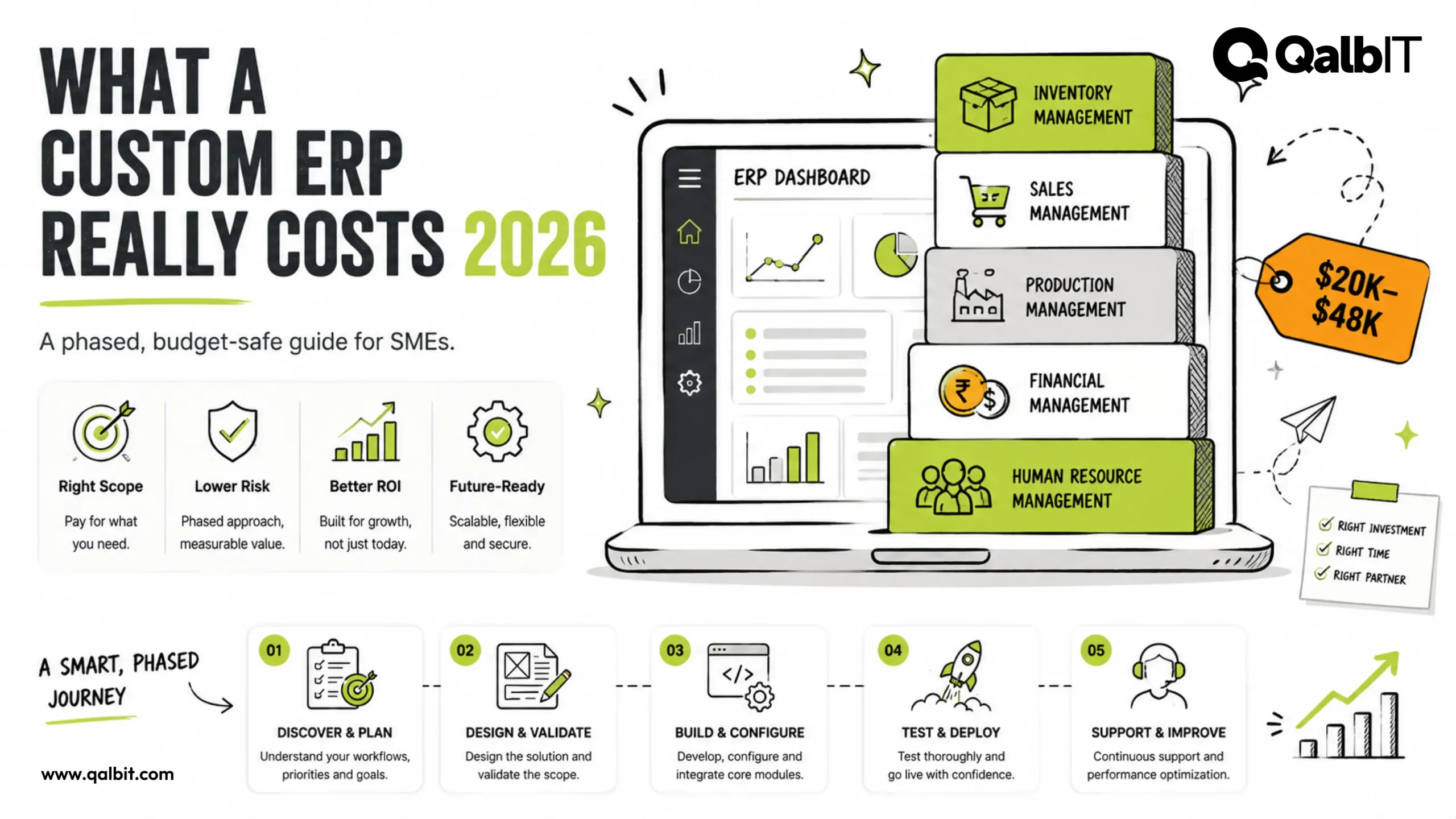
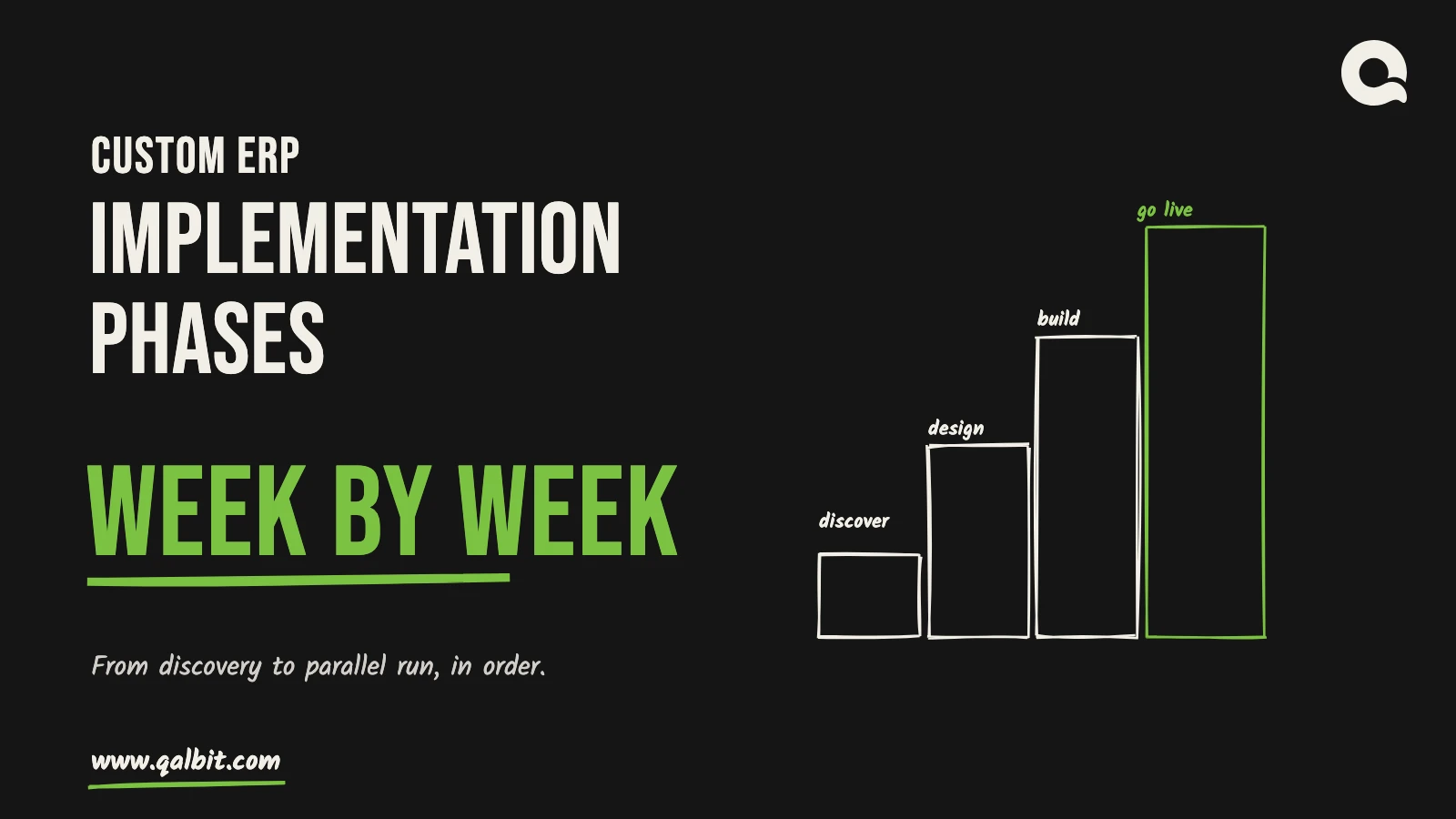
Custom ERP implementation phases come in five stages, and we plan 13 to 27 weeks for the first four, which carry two or three modules through to go-live. Every duration here comes from our custom ERP development page. Discovery, architecture and data design, the build, then migration with a parallel run: those four have dates. The fifth, stabilising and adding modules, does not. Most of the spread comes from the build, so below we take each stage in turn and show what happens in it, which weeks it occupies, and what it asks of your people as well as ours.
These figures assume a first phase of two or three connected modules, say inventory, purchase and sales. More modules, or years of history to bring across from a legacy system, add time in particular places, and we flag those as they come up. If you are still weighing build against buy, start with our comparison of a custom ERP with Odoo and SAP. This guide picks up after that decision.
ERP implementation phases at a glance
All five ERP implementation phases fit in one table. The third column simply adds them up in order, so it shows the week by which each phase is done.
The ERP implementation phases drawn to scale
Put the quickest and the slowest version of each phase side by side and the pattern is plain: discovery, design and migration each move by one to three weeks, while the build moves by eight or more.
Phase 1, discovery and operations mapping: weeks 1 to 3
Discovery lasts two or three weeks and is mostly conversation. We run it over video from Ahmedabad, inside your business hours. Together we trace an order from quote to cash and a purchase from requisition to payment. Then we note where stock physically sits, who approves what, and which tools hold the data today. None of this is paperwork for its own sake. The point is to find the module that hurts most, because that is the one to build first.