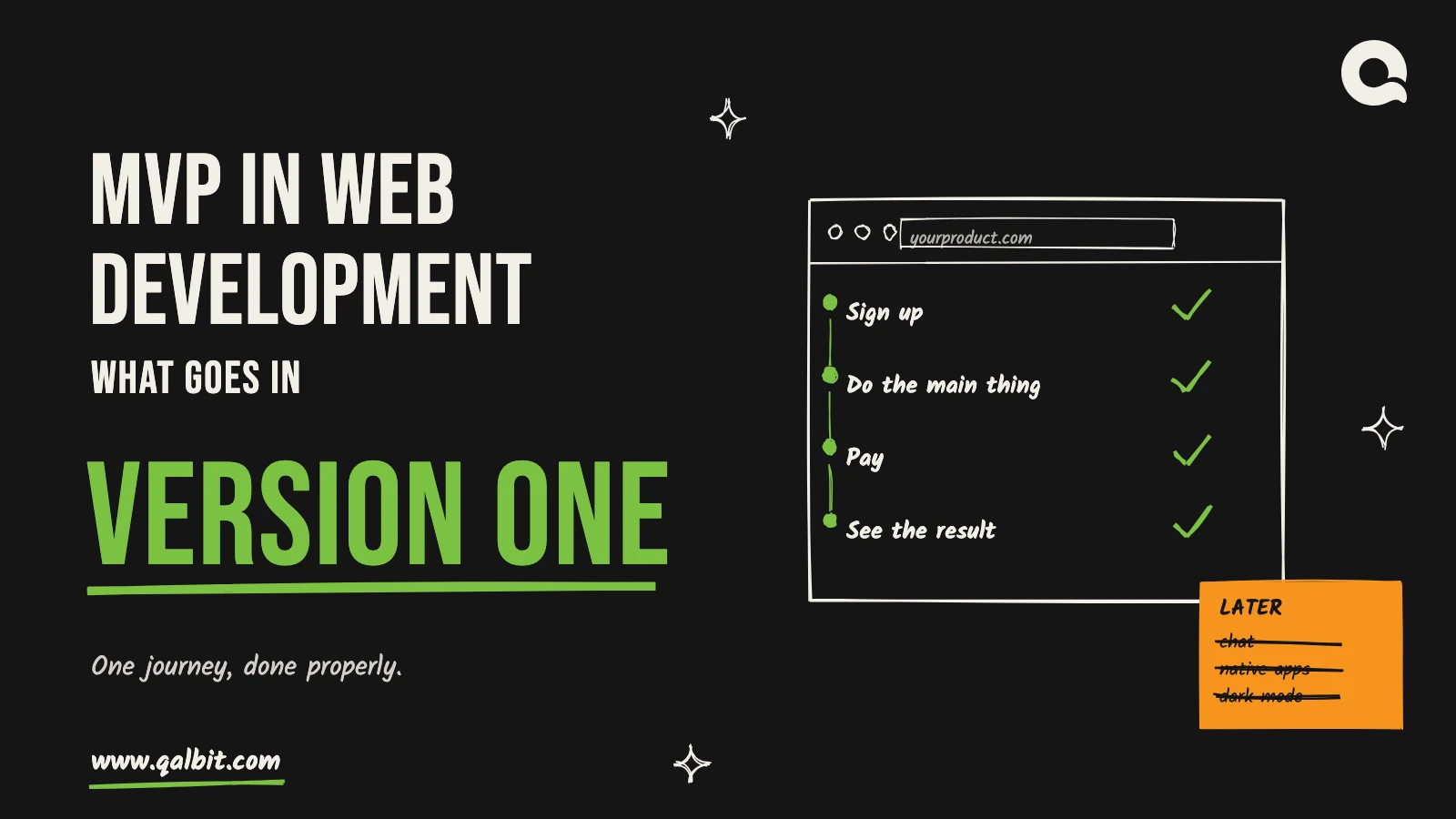
| Product type | In version one | Wait for evidence |
|---|---|---|
| SaaS tool | One workspace per customer, the core workflow, subscription billing, a usage event to track | Team permissions, a public API, a reporting suite, more than one integration |
| Marketplace | Sign-up for both sides, listings, search with one or two filters, checkout with payouts, manual approval in the admin | Reviews, in-app chat, recommendations, native apps, a second city or market |
| Internal portal | Sign-in with roles, the one workflow that replaces the spreadsheet, import of the existing data, export | Dashboards, automation rules, a mobile app, integrations beyond the essential one |
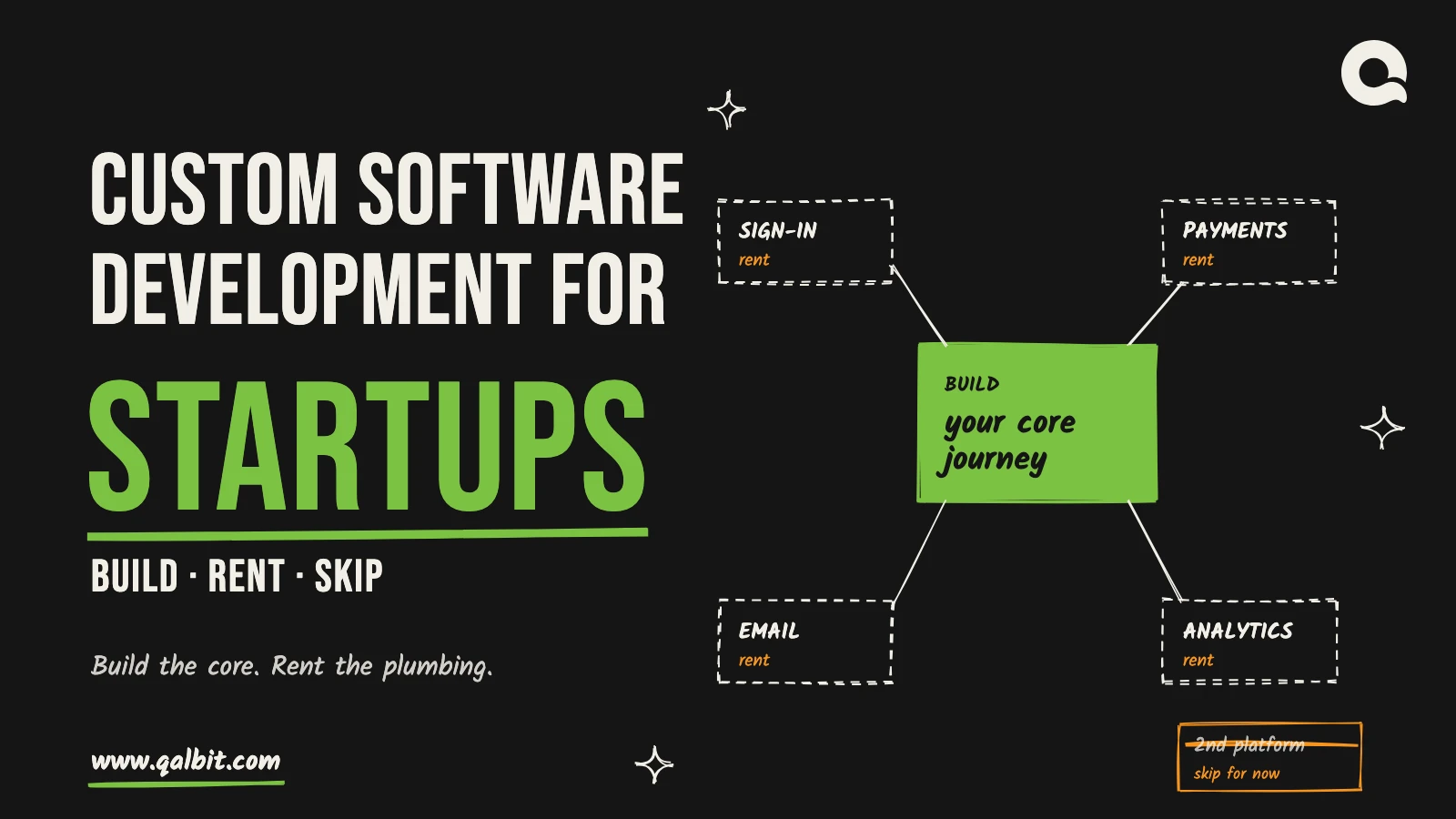
Nothing in the right-hand column is a bad idea; it just needs evidence first, and the first release is how you get it. We list every one of those items by name in the scope document as out of version one, so planning release two begins from a written list rather than from memory. The other half of the decision, which version-one features to build yourself and which to rent, is in our post on custom software development for startups.
Web development decisions for an MVP
Building an MVP in web development raises a few decisions worth settling before the first sprint, because each one is cheaper to make early than to reverse later.
Responsive web app, PWA or native
Most people will meet your product on a phone first: in StatCounter’s figures for September 2026, mobile devices accounted for 58.99% of page views worldwide, against 39.26% for desktop. That makes a responsive web app the default for most MVPs: one codebase that works on every phone and laptop your first users own, with no app store review between you and a fix. A progressive web app adds installation to the home screen and push notifications once the user opts in. On Android that works from the browser; on iPhone, push arrived with iOS 16.4 and only for web apps the user has added to the Home Screen.
Go native in version one only if the idea depends on something a browser can’t do well, such as background location, Bluetooth hardware or heavy offline use. When native does become worth it, a single Flutter codebase can ship to both iOS and Android.
Server-rendered or single-page
If people will find your product through search, the pages they land on have to be readable by search engines. Google can render JavaScript, but its own JavaScript SEO guidance still calls server-side or pre-rendering a great idea, because it is faster for users and not every crawler runs JavaScript. For a marketplace with public listings or a product with public content, that points to server rendering, which frameworks such as Next.js make the default. For a tool that lives entirely behind a login, it matters far less, and a single-page application is fine.
A stack you can hire for
An MVP that works becomes a product, so build it on mainstream technology rather than something only one freelancer knows. We use React, Next.js, Node.js and Laravel with PostgreSQL or MySQL, and the code goes into your repositories and your hosting account from the first sprint. When the next team arrives, or the same team keeps going, nobody has to start again.
Hosting it sensibly from day one
A first release doesn’t need elaborate infrastructure, but it does need a few things that are painful to add after launch. Run a separate staging environment, so changes are tried somewhere other than in front of users. Use a managed database with automatic daily backups, because the first real data is also the most valuable. Add error tracking and an uptime check, so you hear about problems before your users tell you. And put the domain, the hosting account and every service subscription in your company’s name; software licence fees and cloud invoices should come to you at cost, with no margin added.
Where an MVP in web development goes wrong
The same handful of mistakes turns a six-week first release into a six-month one. Most of them feel sensible at the time:
- Building the admin before the journey. Back-office screens are easy to specify and satisfying to finish, so they grow. Meanwhile the one flow users will judge you on is still half-built.
- Polishing the interface first. Pixel-perfect screens on top of a journey nobody has tried yet are expensive to throw away, and early users forgive plain screens far more readily than broken ones.
- Launching without the metric. If the number that tests the assumption isn’t recorded from day one, the launch produces anecdotes instead of evidence.
- Testing only with friends. People who know you will be kind about the product. Strangers who found it on their own will tell you the truth by what they do.
- Choosing an unusual stack to move fast. The speed lasts until you need a second developer, and then the rebuild costs more than the time saved.
All five lose sight of what version one is for: answering one question with real behaviour. Every call gets easier once that question is written at the top of the scope.
How to tell a web MVP is finished
Treat an MVP in web development as finished when four things are true, however long the wish list still is:
- A real user can complete the core journey without anyone explaining it.
- The one metric that tests the assumption is being recorded.
- You can run it day to day without calling a developer.
- Everything left out is written down, so nothing is lost and nothing creeps back in.
Then launch it to real users, and let what they do decide version two. A first release scoped this way is what our $6,500 to $16,500 startup MVP range assumes, and our 2026 guide to MVP cost shows which of the decisions above push a build toward either end.
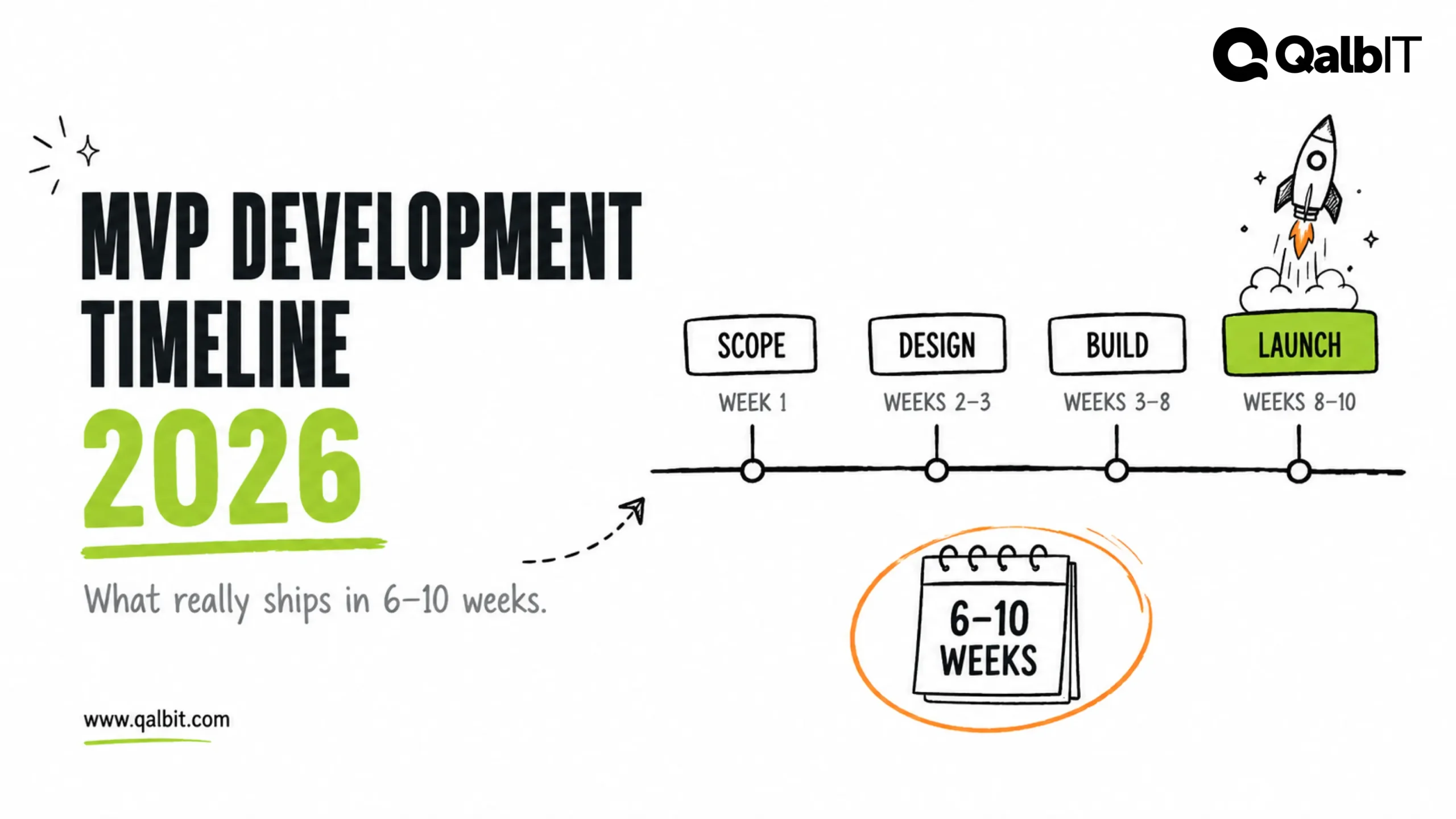
An MVP in web development means the smallest working web application real users can sign up to and use for one job, built to test a single assumption. Scoped tightly, it takes six to ten weeks, and our rate card puts it between $6,500 and $16,500. Most of the work in getting there is deciding which features earn a place in version one, and which can wait for evidence.
Our team in Ahmedabad ships these for founders and product teams in North America, Britain and the GCC states, and our MVP development work starts with a one-page scope that names the riskiest assumption before anything is designed. If you mainly want to know how long it takes, our MVP development timeline goes week by week. This post is about what goes into the first release of a web product, and the web-specific decisions that shape it.
What an MVP means in web development
Eric Ries, who popularised the term, described it in 2009 as the version of a product that teaches a team the most about its customers for the smallest effort. For a web product, that means working software on your own domain, holding real accounts and real data, and doing one job well enough that people come back or pay. It is easy to confuse with three cheaper things:
A landing page and a prototype often come first, and they should, because they are cheap. The MVP is the first step that shows whether people keep using the product and pay for it, which is why it is worth building properly on a stack you can keep.
The features that belong in a web MVP
One test decides almost every feature: does it help answer the riskiest assumption? If the assumption is that small clinics will pay to stop double-booking, then booking, the calendar and payment belong in version one, and a patient mobile app does not. Every web MVP also needs a short baseline that has nothing to do with the idea itself:
Version one by type of web product
The baseline is the same everywhere. The rest depends on what kind of product it is: