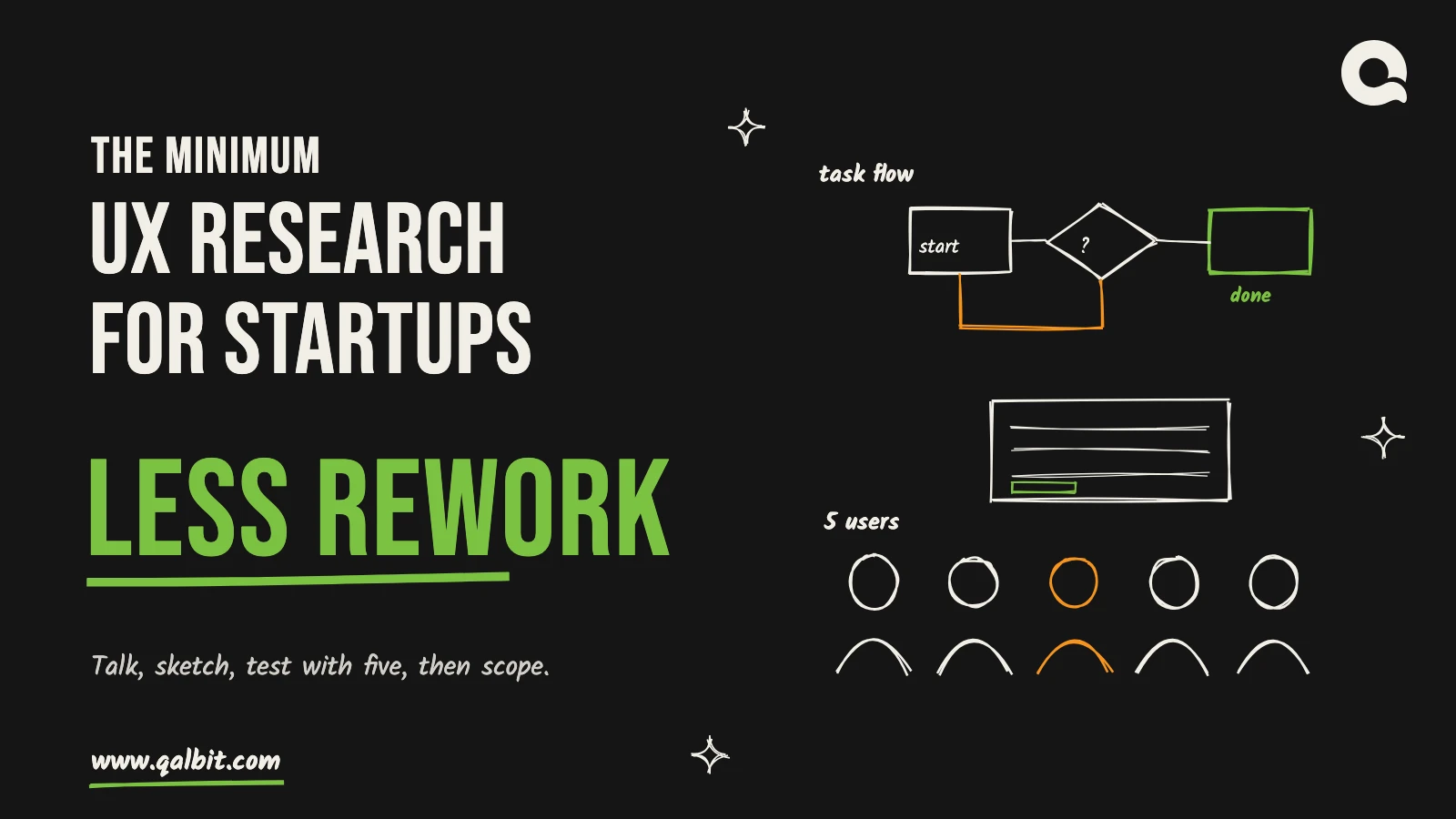
So we ask about a specific incident: the last time you booked a site visit, the last invoice that went wrong, the last time you gave up. What did you do first, what did you open next, who did you ask. Six to eight conversations per user segment is our working number, not a Nielsen Norman Group figure. We stop when the answers start repeating, and we add a segment, not more people, when they keep diverging.
What comes out is a set of job stories, one line each: when this happens, the person wants to do that, so they can reach this outcome. Each is anchored to something a real person said or did, which is what separates it from a feature wish list.
Task analysis: the flow before the screens
Take the job stories and write down the steps the person actually goes through, including the awkward ones that happen outside your product: the spreadsheet they check, the colleague they message, the paper form. The result is a task flow, a simple map of start, steps, decisions and finish. It is usually the most useful single page in a project, because it shows which steps your software should own and which it can leave alone. It is also where the first surprises appear, such as a step that needs data the user does not have at that moment.
Prototype tests and the five-user rule
A clickable prototype of the core flow is the cheapest version of your product that users can fail at. Build it before the real thing, put a person in front of it, give them a realistic task and watch without helping. Kate Moran’s Usability Testing 101 (December 2019, reviewed July 2026) says the tasks should be realistic activities and that facilitators must avoid steering the participant.
On numbers, start with Jakob Nielsen’s Why You Only Need to Test with 5 Users (March 2000). It reports that the typical share of problems one tester finds is 31%, averaged across projects, so that five users find about 85% of the problems. Its advice is not to run one big study. It is to split the budget: “3 studies with 5 users each”, fixing what each round finds before the next. The same group’s 2012 summary of sample sizes keeps five for qualitative testing and gives other numbers for other jobs: at least 20 users for quantitative studies, at least 15 per user group for card sorting and 39 for stable eyetracking heatmaps.
Two cautions. The five-user result assumes one kind of user. For two distinct groups, such as buyers and administrators, the same article suggests three or four people from each group. And five users find the obvious problems, not every problem, which is exactly why a second round after fixes is worth more than a sixth tester in the first.
Data you already have
Some of the cheapest UX research for startups already exists in your files. If you have an earlier version, a spreadsheet process or a competitor with public reviews, start there. Analytics, search logs and support tickets show what people do. Interviews and tests tell you why. The cheat sheet draws the same line between knowing what happens and knowing the reason. Competitor reviews on app stores and software directories are free and honest about what annoys paying customers. A day reading them is rarely wasted.
How UX research becomes the build scope
Research only saves money if it changes what you build. We make that mechanical. Every feature in the written scope has to trace back to a task-flow step, and every step traces to a job story that someone voiced in an interview. A feature with no trace goes on a “later” list, not into the estimate.
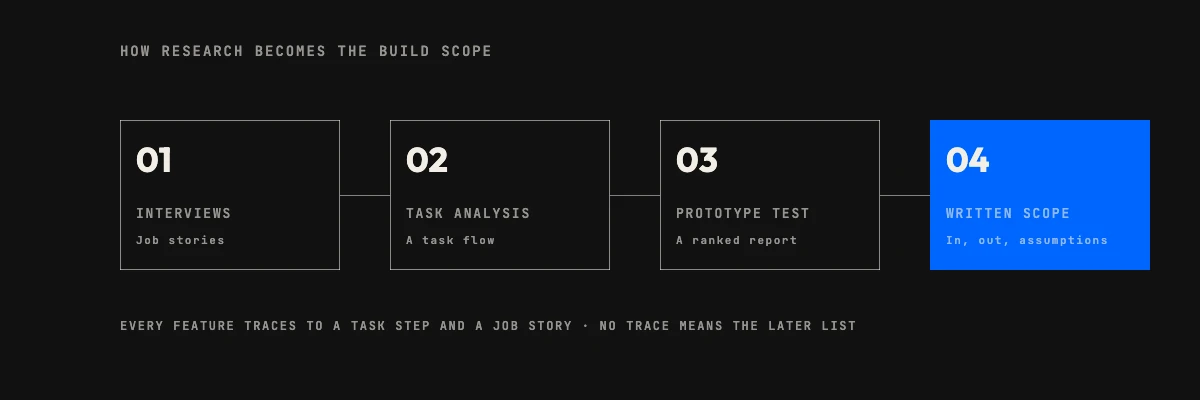
Three outputs do the work:
- Job stories decide who the product is for and what it must achieve, which stops the scope growing around the loudest stakeholder.
- The task flow decides which screens exist and in what order, and where an integration or a data import is unavoidable.
- The prototype test report lists what failed, ranked, so the first sprint starts with fixes to the flow rather than polish on screens.
The scope then carries two more lists. One names what is excluded, so the second release starts from a written list. The other names the assumptions research could not settle, each with the cheapest way to test it after launch. That is where the remaining risk lives, and it is better to see it written down than to meet it in production. Once the scope exists, deciding what to build and what to rent is a much shorter conversation, because the core journey is already drawn.
UX research for startups at pre-seed and at seed
The mistake in both directions is common. A pre-seed team commissions a large survey; a seed-stage team with live users still relies on founder intuition. Match the effort to what you can still afford to be wrong about; that is the whole logic of UX research for startups.
| Stage | Do | Skip for now |
|---|---|---|
| Pre-seed, no product | Problem interviews, a task flow, one clickable prototype, two five-user rounds | Surveys, card sorting, eyetracking, a full design system |
| Seed, first release live | Analytics review, five-user rounds on each new flow, a starter design system | Large quantitative studies until traffic can support them |
| Seed, growing navigation | Card sorting when the menu outgrows one screen | Redesigning flows that the data says work |
One working rule of ours applies at both stages: run design about one sprint ahead of development, so research findings land before the build needs them. When design runs level with engineering, research is the first thing squeezed out.
Recruiting for UX research on a small budget
Recruiting is where small teams stall, and it rarely needs a panel. These sources cost an incentive and some patience:
- Introductions from your advisers, ideally to people who match the user, not to people who like you.
- Reviewers of competitor products, found on the same directories you read for research. A short, plain message asking for twenty minutes of their time is usually enough.
- Communities and forums where your user already asks for help with this problem.
- Your own support inbox or waiting list, if the product exists.
Screen with three or four factual questions about what the person does, not about opinions. Pay them for their time. Avoid friends and anyone who has already heard your pitch: they are polite, and polite is useless in a usability test. Keep sessions to thirty or forty minutes, record them with consent and write the findings up the same day.
Signs a rebuild is coming
If several of these are true before you commit to a build, more research is cheaper than more code:
- Nobody on the team can state the main job in a single sentence, and each founder gives a different one.
- Interviewees describe different problems each time, which usually means the segment is too wide.
- Prototype testers finish the task by guessing, or ask what a label means.
- Requested features trace back to the founder, a competitor or an investor, not to anything a user did.
- Testers keep asking for the thing you cut.
- After launch, support tickets cluster on a single step, or new users stall before their first useful action.
The last two are visible only after launch, which is why UX research for startups never fully ends at launch: the cheat sheet’s “listen” stage keeps going. They are a signal to run a round of five, not to rebuild by reflex. A rebuild is warranted when the task flow itself was wrong. If screens are the problem, redesign the screens.
What this costs with us
The research in this post sits inside the Launch package on our UX design page, which includes user research or a usability audit, a clickable prototype of the core flow and a starter design system. It is listed as from mid four figures in USD over six to eight weeks. The Scale package, from low five figures over ten to fourteen weeks, adds usability testing with real users and redesigns two to four flows. The scope, timeline and price range come back in writing within 48 hours, free, and are yours to keep either way. If you are weighing what the build itself will take, our MVP development timeline shows where design sits in a six to ten week release.

UX research for startups can be small: a handful of problem interviews, one task flow, a clickable prototype and two rounds of five-user testing. Altogether they cost weeks, not months, and they decide what the first release contains before an engineer is paid to guess. Founders who skip all of it usually find out what they got wrong from their own paying users, after launch.
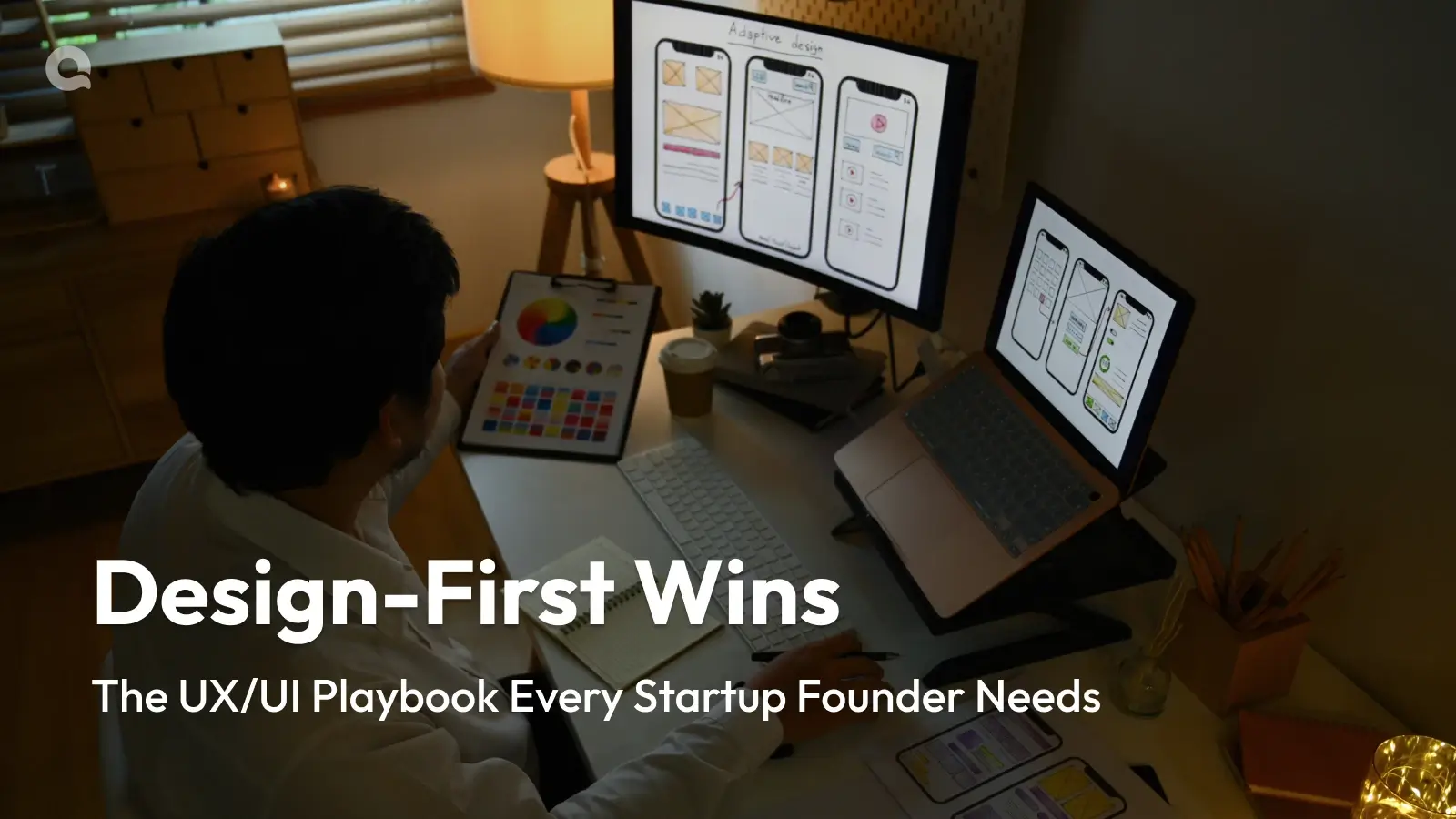
When founders in the US, the UK and the Gulf ask our Ahmedabad team for custom software design for startups, research is the first line we write into the scope. It sits inside our product UX design service, ahead of any visual work. Our older post on why design-first startups win makes the case for design in general; this one is narrower. It lists the least research that still protects you from a rebuild, what each piece produces and when to stop.
What a rebuild is, and what research is for
Most startup rebuilds do not come from bad code. They come from a wrong assumption that the first build baked in: the wrong problem, a flow that follows the founder’s mental model instead of the user’s, or screens that wait on information nobody has at that moment. Research exists to find those assumptions while they are still cheap, which means while they are sketches and sentences.
You will often see a number attached to this argument: fixing a mistake after release costs 100 times what it costs to fix in design. We do not use it. Nielsen Norman Group’s 2003 article on paper prototyping repeats a “100 times cheaper” estimate for changing a design before code is written, and we could not trace that figure to its origin. The wider chart is usually traced to the IBM Systems Sciences Institute, and The Register reported in July 2021 that Hillel Wayne went looking for the study and concluded it does not exist, and that Laurent Bossavit found the institute was an internal training programme. Wayne still thinks the research so far points, tentatively, in the same direction. That is the honest position: earlier is cheaper, and nobody can give you a trustworthy multiple.
UX research for startups: the five methods that make the minimum
Nielsen Norman Group’s UX research cheat sheet, written by Susan Farrell in February 2017, groups methods by the stage of a project: discover, explore, test and listen. A startup before its first build needs a thin slice of each. This is the slice we ask for, with what it produces and how much effort it takes.
Problem interviews: ask about the last time
The cheapest research you can do is a conversation, and the easiest way to ruin it is to ask people what they would do. Nielsen’s Interviewing Users (July 2010) warns that people cannot reliably predict how they would use something they have not seen, and that leading questions or pressing for answers can make respondents invent opinions. Asking how someone usually does a task tends to produce an idealised version.