Free developer tool · runs in your browser
JSON viewer: explore JSON as a collapsible tree.
Paste an API response, a config file or a log line and read it as a tree you can open and close. Search across keys and values, see each node’s type and size, and click any row to copy its path. Nothing is uploaded.
Select any row in the tree to copy its JSONPath, dot path or JSON Pointer.
What this tool does
Read large JSON without scrolling through it.
01
A tree you can open and close
Objects and arrays fold into one line showing how many keys or items they hold, so a response with thousands of lines reads as a handful of branches. Expand all or collapse all in one click.
02
Search keys and values
Type a key or a value and every match is marked, with the branches that hold them opened for you. Useful for finding the one field that is null in a long list.
03
Copy the path to any value
Select a row to get its JSONPath, its dot path for JavaScript and its JSON Pointer, each with a copy button. No more counting brackets to write orders[3].customer.email by hand.
FAQs · JSON viewer
JSON viewer · frequently asked questions
Paths, search, large files and what is sent where.
Next step
Building the API behind the JSON?
QalbIT designs and builds REST and GraphQL APIs, backends and integrations for web and mobile products, with typed contracts from the first endpoint.
More free tools
More free tools
Each one opens on a worked example and shows its answer without a signup.
All free toolsJSON formatter, validator & minifier
Minify, format and validate JSON with exact error positions. Nothing is uploaded.
JSON compare
Diff two JSON documents by value: key order and whitespace ignored, every change with its path.
JSON to CSV converter
Flatten an array of JSON objects into CSV with dot-path columns, preview it and download.
JSON Schema validator and generator
Validate JSON against a 2020-12 or draft-07 schema with each error’s path, or generate one.
JSON to TypeScript and Zod
TypeScript interfaces and a Zod schema from a JSON sample, with optional keys and unions.
Software development cost calculator
A typical cost and timeline range for your project, by type, scope and features.
Further reading
 Web Development
Oct 15, 2026
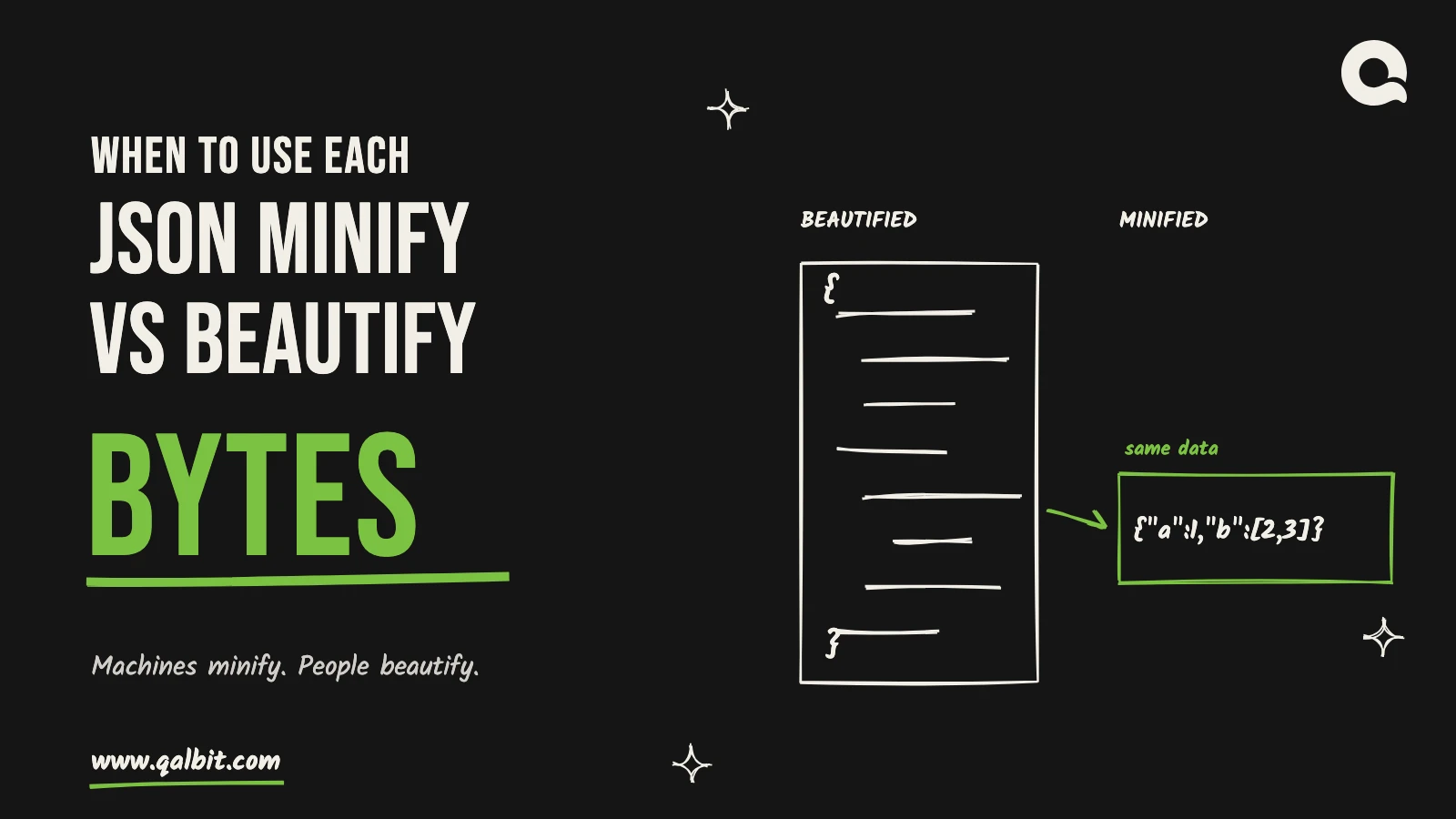
JSON Minify vs Beautify: When to Use Each
Minify for machines, beautify for people. On a real 406-record file, minifying saved 25% raw but only 3% after gzip -9.
 Web Development
Apr 3, 2025
7 Developer Micro Tools That Cut Your JSON and API Tasks in Half
Discover the ultimate collection of seven powerful micro tools, including our featured JSON Formatter & Minifier, designed to streamline your…