Request for proposal: Customer self-service portal
Issued by Harbourline Supplies.
Proposals due 22 January 2027.
01About Harbourline Supplies
Harbourline Supplies invites proposals for Customer self-service portal. This document sets out the problem, what we need, and how proposals will be judged.
We sell catering equipment and spares to restaurants, hotels and schools. Orders arrive by phone and email today, and our sales team re-keys every one into the ERP.
- Industry
- Wholesale distribution of catering equipment
- Size
- 140 staff, 2 warehouses, about 1,800 business customers
- Website
- harbourline.example
02The problem and our goals
Customers cannot check stock, place a repeat order, track a delivery or download an invoice without calling us. Our five-person sales desk spends most of its day on those calls, and order-entry errors cause returns.
Goals
- Let business customers order, reorder and track deliveries themselves, any time
- Cut phone and email orders that the sales desk re-keys by hand
- Give customers their invoices and statements without asking
How we will measure success
| Measure | Target |
|---|---|
| Share of orders placed through the portal | 50% within 6 months of launch |
| Orders re-keyed by the sales desk | Down by half |
| Invoice and statement requests by phone or email | Fewer than 20 a week |
03Users and roles
| Role | What they need to do |
|---|---|
| Customer buyer | Search the catalogue, see their prices and stock, order, reorder and track deliveries |
| Customer accounts contact | Download invoices and statements, see what is owed |
| Sales desk | See and amend customer orders, place orders on a customer’s behalf |
| Administrator | Manage customer accounts, users and permissions |
04Features and priorities
Features are prioritised with MoSCoW: Must have is the minimum the release is not worth launching without; Should have is important but not vital; Could have is wanted but the first to drop if time runs short; Won’t have this time is agreed to be out of scope for this release.
Must have
- Customer accounts with several users: Each customer can have more than one login, with buyer or accounts permissions.
- Catalogue with customer-specific prices: Prices and stock come from the ERP.
- Ordering and one-click reorder: From the catalogue or from a past order.
- Delivery tracking: Status from our warehouse system and the carrier.
Should have
- Invoices and statements: PDF download of what the ERP already produces.
- Saved order lists: For sites that order the same items every week.
Could have
- Quote requests for large orders: Sent to the sales desk to price by hand.
Won't have this time (out of scope)
- Online card payment: Customers pay on account terms for now.
05Integrations
| System | What the integration does |
|---|---|
| ERP (orders, prices, stock, invoices) | Read prices and stock, write orders, read invoices |
| Warehouse management system | Read dispatch status |
| Carrier tracking | Read delivery status and proof of delivery |
06Data and migration
- Where the data lives today
- Customer accounts, prices and order history live in the ERP. Contacts are partly in a spreadsheet.
- Migration
- Import about 1,800 customer accounts and their contacts. Order history stays in the ERP and is read from there.
- Volumes
- About 9,000 products, 400 orders a day at peak.
07Security, compliance and quality
- Security
- Single sign-on for staff. Customer passwords with optional two-factor sign-in. Role-based access per customer account.
- Performance
- Catalogue search answers in under a second at our peak order volume.
- Availability
- Available outside office hours, when many customers order. Planned maintenance announced in advance.
- Accessibility
- WCAG 2.2 level AA
- Other
- Hosted in the UK or EU. We own the code and the hosting accounts.
Compliance
The solution, and the way you build and run it, must support our obligations under:
- GDPR (EU General Data Protection Regulation)
08Platforms
- Web app (browser)
- Admin or back office
Must work well on a phone in a kitchen or a stock room. No app-store app for now.
09Budget and timeline
- Budget range
- Not stated in this brief
- Budget notes
- An approved budget will be shared with the shortlisted vendors after the first round.
- Earliest start
- February 2027
- Launch
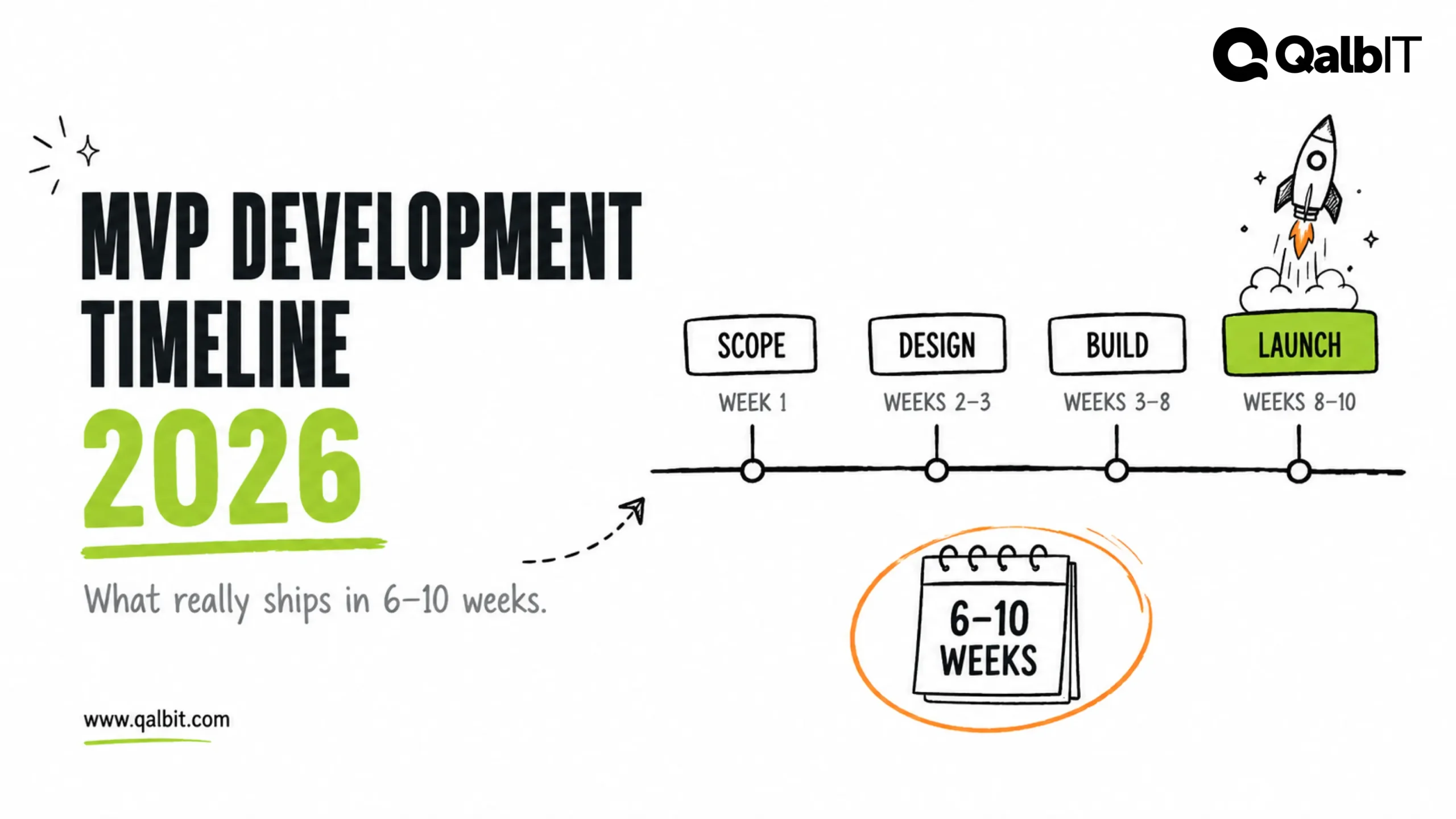
- A first release to 50 pilot customers by July 2027
Milestones
- Discovery and design signed off
- Ordering with live ERP prices in a test environment
- Pilot with 50 customers
- Open to all customers
10Constraints
- The ERP stays: the portal works with it, not around it
- Our IT team is two people, so hosting and support must not need a full-time engineer from us
11What your proposal must include
- Your approach: how you would design, build, test and release this, and what you would do first.
- The team: the named people or roles who would work on it, their experience and how much of their time it gets.
- A timeline with milestones, and what we would be able to see and test at each one.
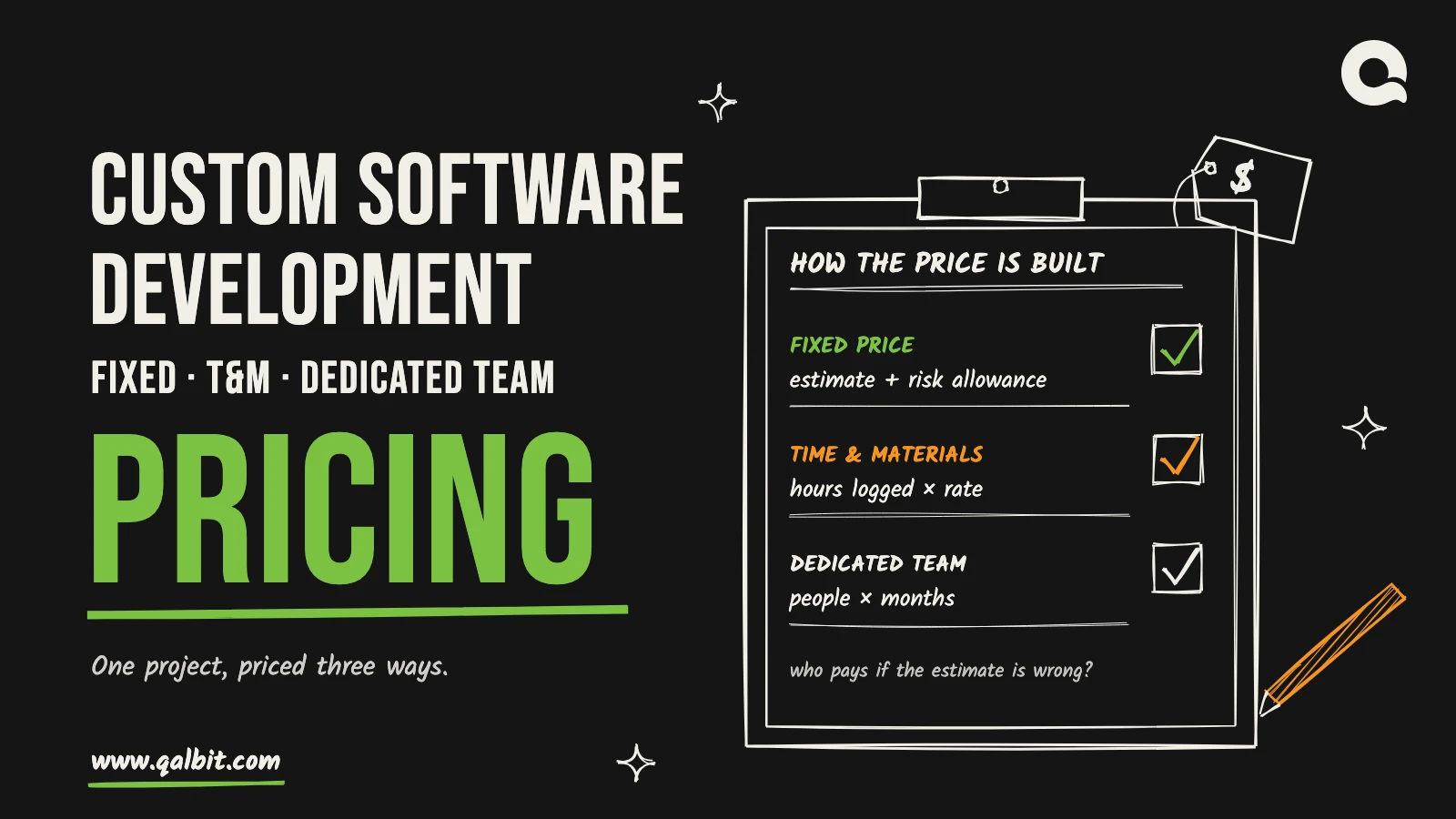
- A price breakdown by phase or milestone, the pricing model (fixed price or time and materials), and what is not included.
- Two or three references from similar projects, with a contact we may call.
- Every assumption your price and timeline depend on, and the risks you see.
- Support and maintenance after launch: what is covered, response times and how it is charged.
12How proposals will be evaluated
| Criterion | Weight |
|---|---|
| Understanding of the problem and approach | 30% |
| Relevant experience and references | 20% |
| Team and how it is run | 15% |
| Timeline and delivery plan | 15% |
| Price and value | 20% |
| Total | 100% |
13Deadlines and contact
- Questions by
- 8 January 2027
- Proposals due
- 22 January 2027
- Contact
- Priya Shah, Operations Director
- procurement@harbourline.example