Free buyer tool · runs in your browser
Compare software development quotes side by side.
Put two to four software development quotes next to each other. The tool turns each one into the same figures, flags what a quote leaves out, such as testing, a warranty or IP ownership, and writes the questions to send each vendor. It works only from the numbers you enter, and nothing leaves your browser.
ExampleThree fictional quotes from Vendor A, B and C, so you can see how a comparison reads. Type over them, or start blank.
Your quotes
Two to four quotes. Enter what each quote states and leave the rest empty: the tool works only from your numbers and never fills a gap with an assumed rate. Nothing you type leaves your browser.
3 quotes compared. Vendor A: 0 items to check; Vendor B: 9 items to check; Vendor C: 2 items to check.
Side by side
| Field | Vendor A | Vendor B | Vendor C |
|---|---|---|---|
| Pricing model | Fixed price | Fixed price | Dedicated team |
| Total price | $48,000 | $21,000 | $55,385 |
| How the total was found | as quoted | as quoted | worked out: monthly rate × timeline |
| Timeline | 16 weeks | 7 weeks | 20 weeks |
| Team size | 4 | 2 | 3 |
| Estimated hours | 960 | – | – |
| Rate as quoted | – | – | $12,000 per month, whole team |
| Cost per week | $3,000 | $3,000 | $2,769 |
| Cost per month | $13,000 | $13,000 | $12,000 |
| Effective hourly rate (total ÷ hours) | $50.00 | – | – |
| Payment milestones | 4 | 2 | – |
| Paid upfront | 20% | 50% | – |
| Change-request terms | In writing | Not stated | In writing |
| Discovery and requirements | Included | Missing | Missing |
| UX/UI design | Included | Included | Missing |
| QA and testing | Included | Missing | Included |
| Project management | Included | Missing | Included |
| DevOps and deployment | Included | Included | Included |
| Documentation | Included | Missing | Included |
| Post-launch warranty | Included, 8 weeks | Missing | Missing |
| Ongoing maintenance | Missing | Missing | Included |
| Source code and IP assigned to you | Included | Missing | Included |
| Hosting and infrastructure | Missing | Missing | Missing |
| Third-party licences | Missing | Missing | Missing |
| Items to check | 0 | 9 | 2 |
What each quote leaves open
Gaps are items most buyers expect a quote to cover. Checks are numbers or terms worth confirming. Notes are items often left to the client, worth knowing either way.
Vendor A
NoteOngoing maintenance: not included
Software needs security patches, dependency updates and small fixes after launch, whoever does them.
Adding it: Usually a separate monthly retainer or hourly support after the warranty ends. Ask for its terms now, not after launch.
NoteHosting and infrastructure: not included
Servers, databases and cloud services are a running cost. Know whether this quote covers them or leaves them to you.
Adding it: Usually billed to you by the cloud provider, or passed through by the vendor. Ask for the expected monthly bill.
NoteThird-party licences: not included
Paid libraries, APIs, maps, email or payment services carry their own fees, sometimes per user.
Adding it: Usually paid by you to each provider. Ask for a list of every paid service the build depends on.
Vendor B
GapDiscovery and requirements: not included
Without a written scope the price has nothing firm to stand on, and every later disagreement turns into a change request.
Adding it: If it is not in the quote, it is usually sold as a separate paid phase before the build, or folded into the first sprint at the vendor’s rate.
GapQA and testing: not included
Without dedicated testing, defects are found by your users after launch, when they are the most expensive to fix.
Adding it: Often added as tester hours or a share of the development effort. Ask for it as its own line so you can see it.
GapProject management: not included
Someone has to run the schedule, the scope and the communication. If the vendor does not, you will.
Adding it: Usually a project manager’s hours or a set share of the fee. Ask who your day-to-day contact is.
GapPost-launch warranty: not included
A warranty means defects found after launch are fixed at the vendor’s cost. Without one, every fix is billable.
Adding it: Some vendors include a set bug-fix window, others bill fixes as support hours. Get the period and what it covers in writing.
GapSource code and IP assigned to you: not included
If the contract does not assign the code to you, the vendor may keep the rights to it. In the US, commissioned software is not one of the nine kinds of work that can be “made for hire”, so a written assignment is what transfers it.
Adding it: A contract clause rather than a price item. Ask for full assignment on payment and access to the code repository from the start.
CheckFixed price with no change-request terms
A fixed price covers the agreed scope only. Without written terms for changes, every new request is priced on the spot.
CheckTimeline much shorter than the others
7 weeks against a median of 18 weeks for the other quotes. Check that the scope is the same.
CheckPrice much lower than the others
Under half the median of the other quotes in USD ($51,692). Check what is left out before comparing on price.
CheckHalf or more paid before any delivery
50% upfront. Paying against delivered milestones keeps the risk shared.
NoteDocumentation: not included
Without technical and handover documents, the next team has to relearn the system before it can change anything.
Adding it: Usually a few extra hours at the end of the build. Ask which documents you receive at handover.
NoteOngoing maintenance: not included
Software needs security patches, dependency updates and small fixes after launch, whoever does them.
Adding it: Usually a separate monthly retainer or hourly support after the warranty ends. Ask for its terms now, not after launch.
NoteHosting and infrastructure: not included
Servers, databases and cloud services are a running cost. Know whether this quote covers them or leaves them to you.
Adding it: Usually billed to you by the cloud provider, or passed through by the vendor. Ask for the expected monthly bill.
NoteThird-party licences: not included
Paid libraries, APIs, maps, email or payment services carry their own fees, sometimes per user.
Adding it: Usually paid by you to each provider. Ask for a list of every paid service the build depends on.
Vendor C
GapDiscovery and requirements: not included
Without a written scope the price has nothing firm to stand on, and every later disagreement turns into a change request.
Adding it: If it is not in the quote, it is usually sold as a separate paid phase before the build, or folded into the first sprint at the vendor’s rate.
GapPost-launch warranty: not included
A warranty means defects found after launch are fixed at the vendor’s cost. Without one, every fix is billable.
Adding it: Some vendors include a set bug-fix window, others bill fixes as support hours. Get the period and what it covers in writing.
NoteUX/UI design: not included
Without design, developers decide layouts while they code, and screens tend to be reworked once users see them.
Adding it: Usually quoted as separate design hours or a design phase. Ask whether you get a clickable prototype or only image files.
NoteHosting and infrastructure: not included
Servers, databases and cloud services are a running cost. Know whether this quote covers them or leaves them to you.
Adding it: Usually billed to you by the cloud provider, or passed through by the vendor. Ask for the expected monthly bill.
NoteThird-party licences: not included
Paid libraries, APIs, maps, email or payment services carry their own fees, sometimes per user.
Adding it: Usually paid by you to each provider. Ask for a list of every paid service the build depends on.
Questions to ask each vendor
To Vendor A
- What does ongoing maintenance cost after launch, and on what terms?
- Are hosting and infrastructure costs included, and whose name are the cloud accounts in?
- Which paid third-party services or licences does the build depend on, and who pays for them?
To Vendor B
- Is a discovery or requirements phase included, and what written document does it produce?
- Who tests the software, how (manual, automated or both), and is that effort in this price?
- Who manages the project day to day, and is their time included in this price?
- Is there a post-launch warranty, how long is it, and what does it cover?
- Does the contract assign all source code and IP to us on payment, and do we have repository access from the start?
- How are change requests estimated, approved and billed against the fixed price?
- Your timeline is shorter than the other quotes: what is in scope, and how many people work on it?
- Your price is well below the other quotes: what does it exclude that they might include?
- Can the payment schedule follow delivered milestones rather than an upfront share?
- Which documents do we receive at handover: technical, API, deployment and user guides?
- What does ongoing maintenance cost after launch, and on what terms?
- Are hosting and infrastructure costs included, and whose name are the cloud accounts in?
- Which paid third-party services or licences does the build depend on, and who pays for them?
To Vendor C
- Is a discovery or requirements phase included, and what written document does it produce?
- Is there a post-launch warranty, how long is it, and what does it cover?
- Is UX/UI design included, and do we receive the design files and a clickable prototype?
- Are hosting and infrastructure costs included, and whose name are the cloud accounts in?
- Which paid third-party services or licences does the build depend on, and who pays for them?
How this tool decides
- Every figure is one you entered, or arithmetic on what you entered. The tool holds no rates, salaries or market prices.
- Prices are compared only between quotes in the same currency. The tool does not convert currencies.
- Cost per week is the total divided by the timeline in weeks. Cost per month is that figure × 52 ÷ 12.
- Effective hourly rate is the total divided by the estimated hours, shown only where you entered hours.
- With no total entered, the total is worked out from hours × hourly rate, or from the monthly rate × the timeline (× team size for a per-person rate), and marked as worked out.
- A timeline is flagged when it is under 70% of the median of the other quotes.
- A price is flagged when it is under 50% of the median of the other quotes in the same currency.
- The numbers are flagged when a worked-out total differs from the quoted total by more than 10%.
- An upfront payment of 50% or more of the price is flagged.
These are this tool’s own rules of thumb, not an industry standard. Source for the IP line: US Copyright Office, Circular 30: Works Made for Hire (the nine kinds of commissioned work that can be made for hire; software is not one of them) (opens in a new tab), checked 2026-10-18.
What this tool does
Same figures, same checklist, one table.
01
Normalise the numbers
A fixed price, an hourly estimate and a monthly team become the same figures: total, cost per week, cost per month and, where hours are given, an effective hourly rate.
02
Find what is missing
Eleven items a quote should state, from QA and project management to a warranty and IP ownership. Each gap says why it matters and what adding it usually involves.
03
Ask each vendor the right questions
Every gap and every odd number becomes a question for that vendor. Copy them, download the table as CSV, print it, or share the whole comparison as a link.
FAQs · Quote comparison
Comparing software quotes · frequently asked questions
What a quote should include, how to compare pricing models, and what the tool does with your numbers.
Next step
Want a quote you can compare line by line?
QalbIT quotes a fixed scope, a monthly dedicated team or hourly time and materials. Ask for a written quote and hold it against the others with this tool.
More free tools
More free tools
Each one opens on a worked example and shows its answer without a signup.
All free toolsSoftware development cost calculator
A typical cost and timeline range for your project, by type, scope and features.
Software RFP generator
Write a requirements brief and RFP vendors can quote against, with MoSCoW features and weighted criteria.
Build vs buy calculator
Custom CRM or ERP against SaaS seats: the year a build breaks even, or how much SaaS saves you.
Software and website cost capitalization calculator
Capitalise or expense each software and website cost under US GAAP or IFRS, with amortization and journals.
LLM API pricing comparison and cost calculator
OpenAI, Claude, Gemini and more API prices per 1M tokens, with your monthly cost side by side.
LLM token counter and tokenizer
Count tokens for GPT, Claude and Gemini, see the split, and check the context window and cost.
Further reading
 Business and Industry
Oct 10, 2026
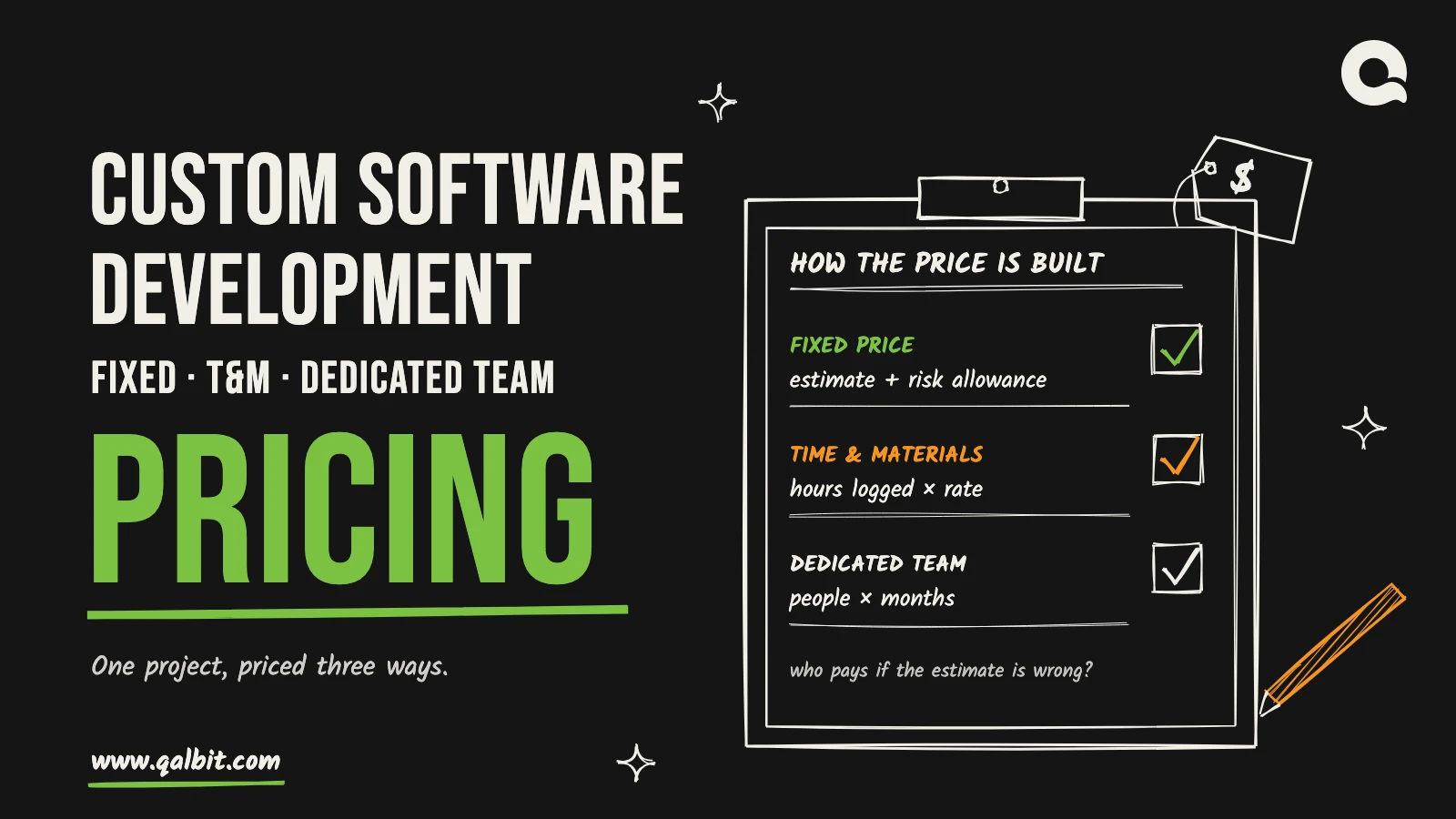
Custom Software Development Pricing Models
Fixed price, time and materials or a dedicated team: one project priced three ways, and who pays when the estimate or the scope moves.
 Business and Industry
Oct 12, 2026
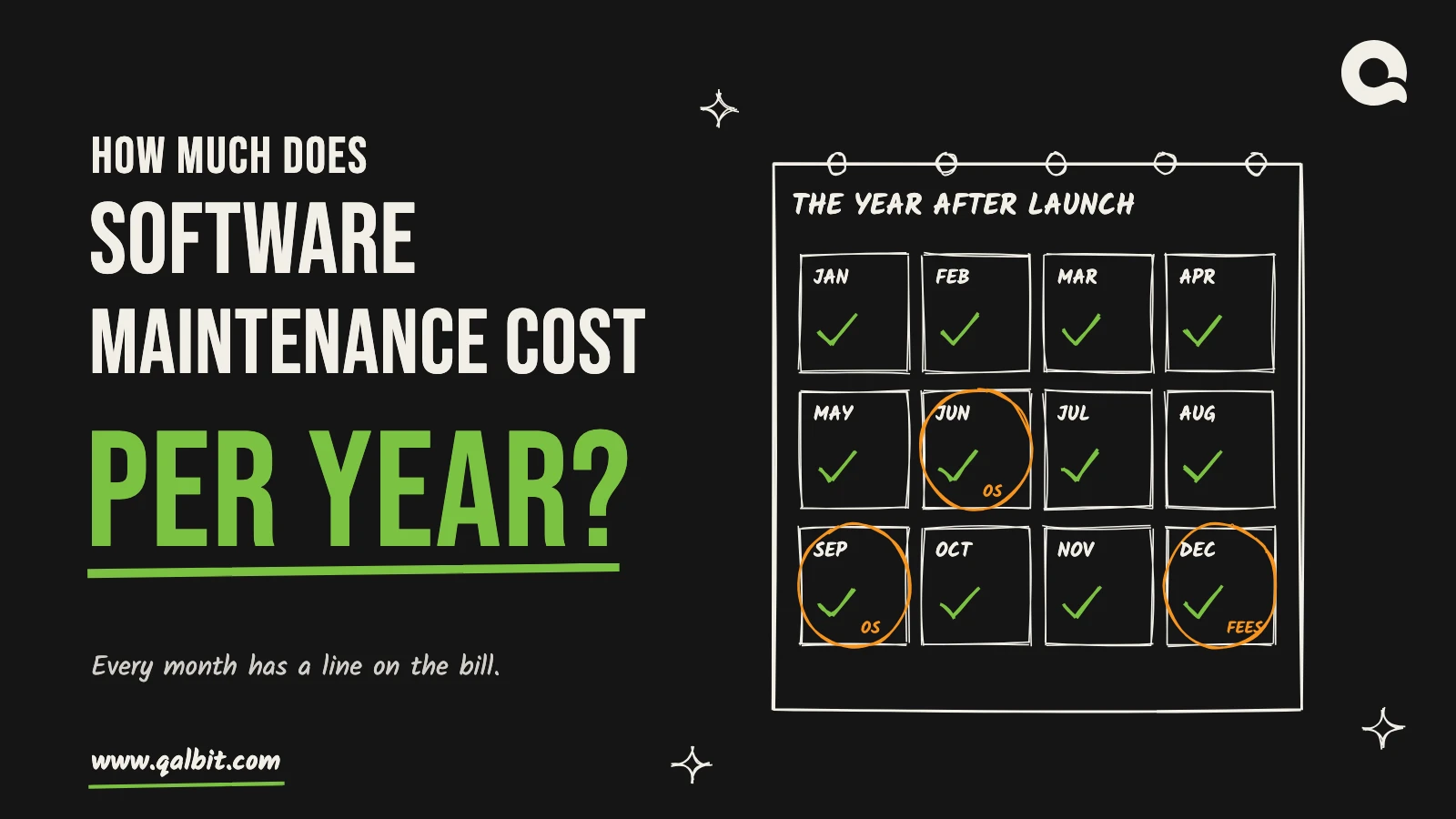
How Much Does Software Maintenance Cost?
We couldn’t find a source for the 15–20% rule. What a year of maintenance is made of, the deadlines you can’t skip, and a line-by-line budget.
 Business and Industry
Oct 11, 2026
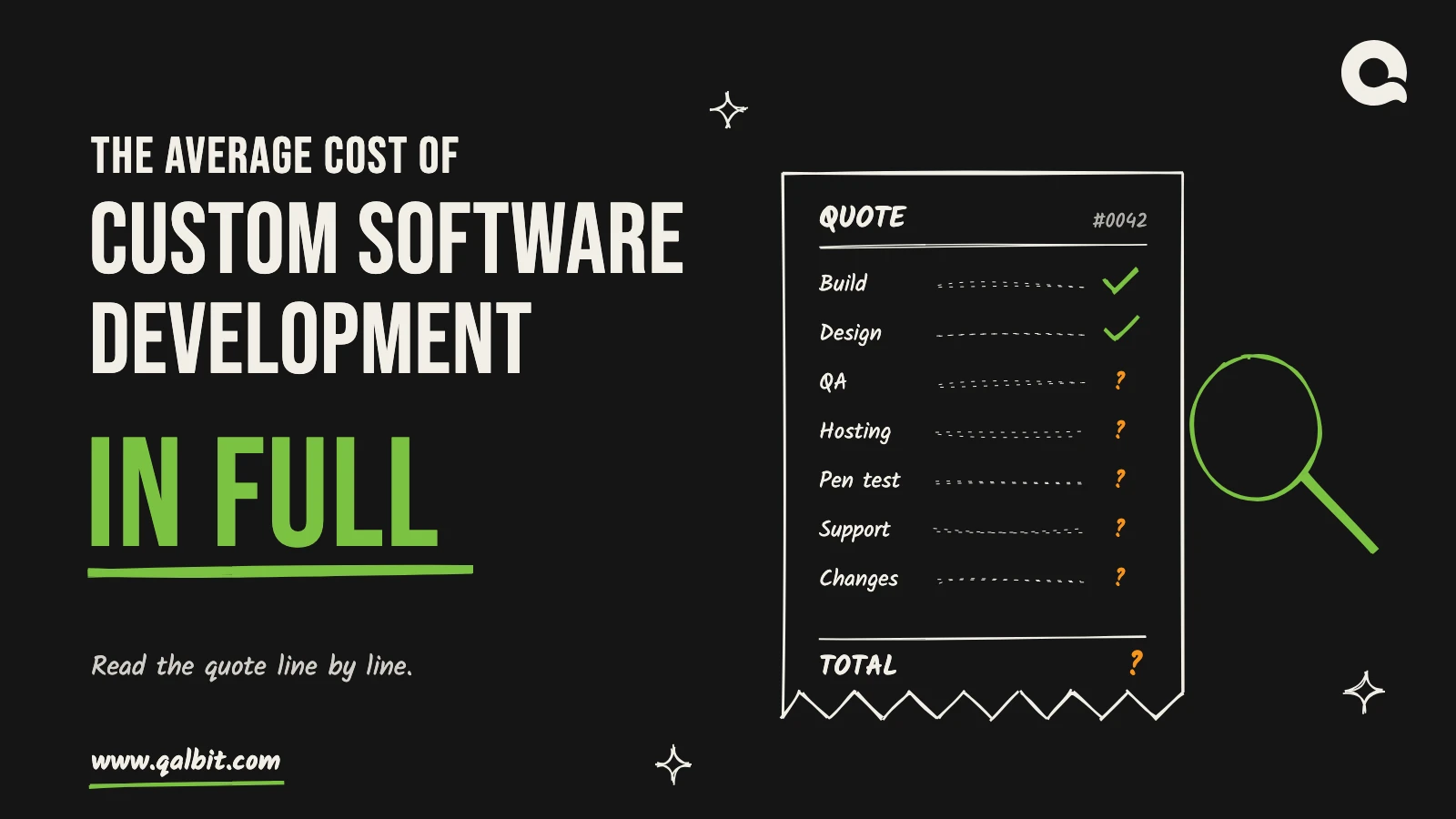
Average Cost of Custom Software Development
Why the $132,480 average misleads, our ranges by project type, and nine line items to check before you compare two software quotes.
 Business and Industry
Feb 16, 2025
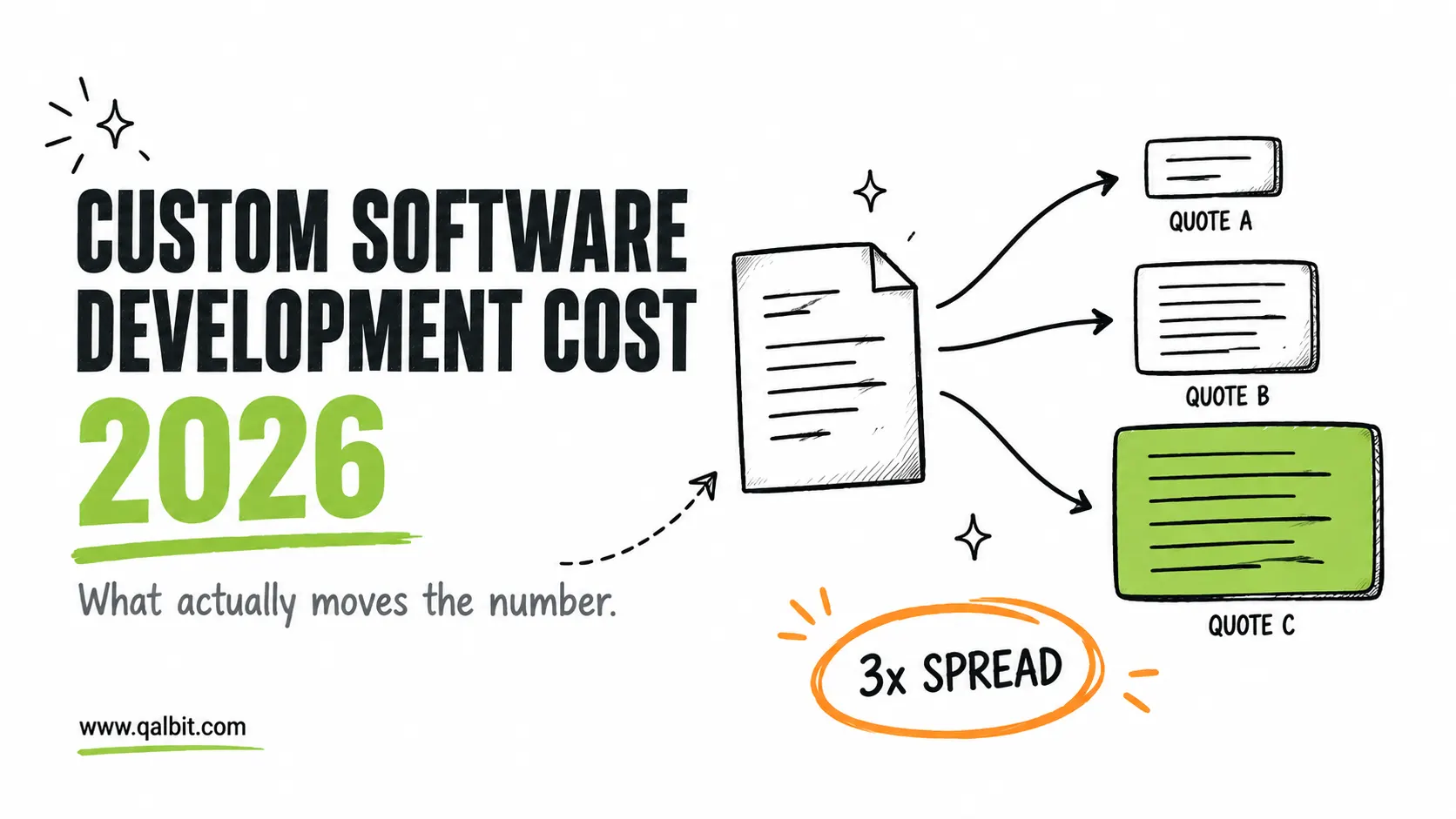
What Custom Software Actually Costs, And What Moves the Number
Custom software costs from $6,500 for an MVP to $52,500 for an ERP phase one with our team. Here’s what moves the number, and why quotes differ by 3x.